

Plan a short film shot by shot, with the same characters in every shot
Save your characters, places and props once. Lay out scenes and shots on a board, make a still and a clip for each shot, and keep the takes you like.
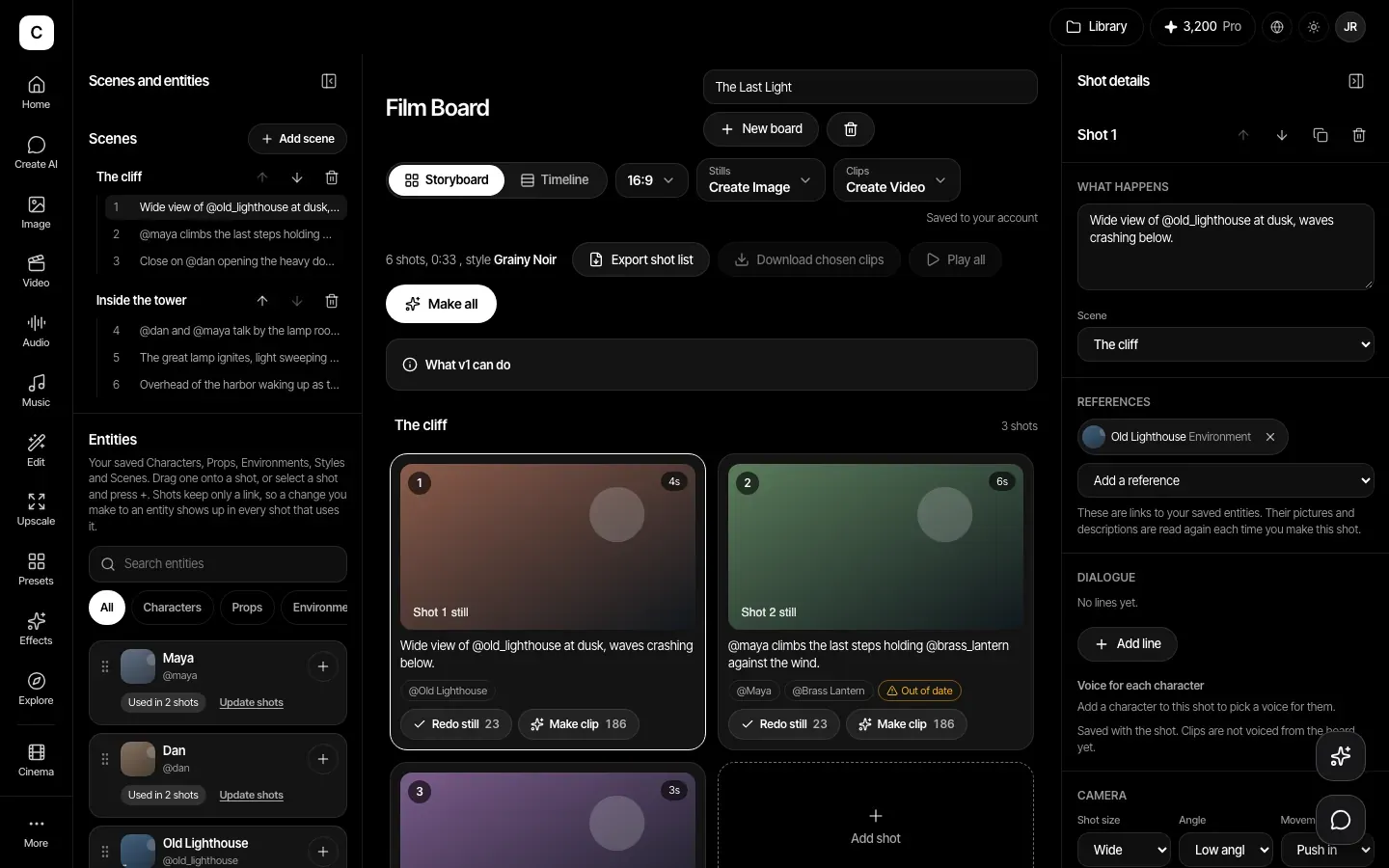
Save your cast and places once
Make a Character, Prop, Environment, Style or Scene from one to five reference images, with a short note on what must stay the same. Shots keep links to them, so edit one and every shot that uses it reads the new version the next time you make it.
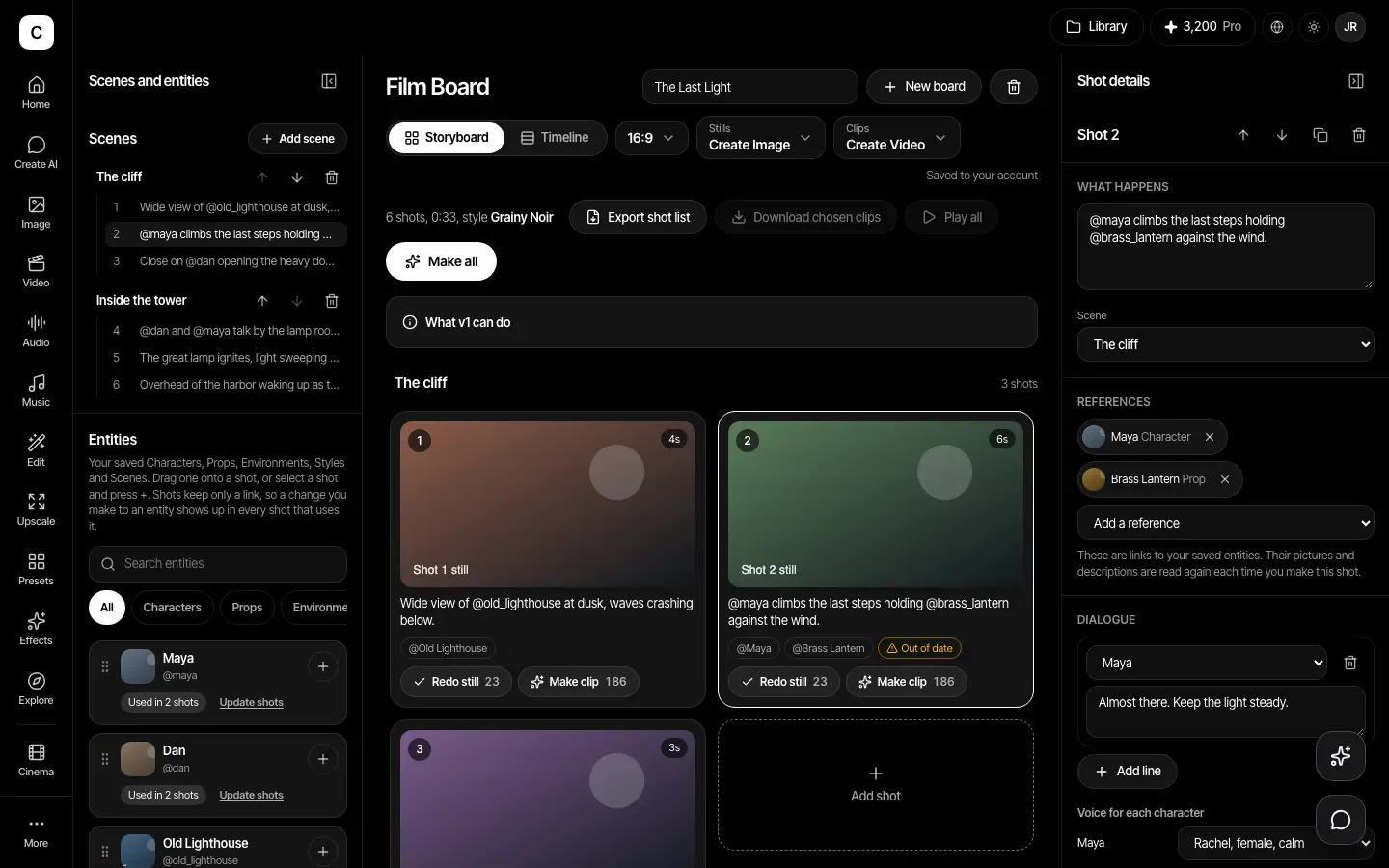
Stills first, then clips
Make a still and a clip for each shot, keep several takes, and choose the one you like. See the film on a timeline with its running time, play your chosen clips in order, and download them.
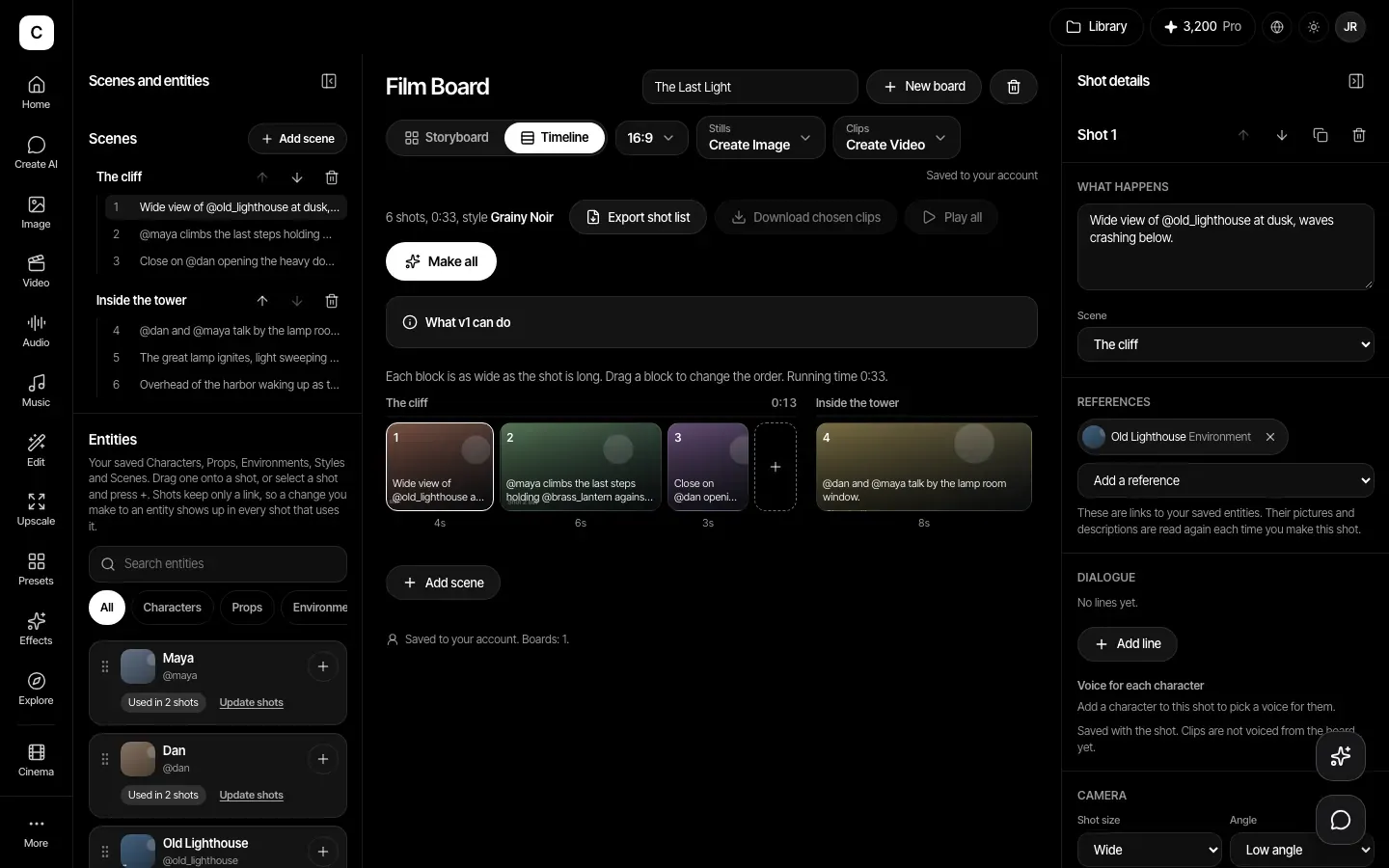
A board and a real shot list
Add scenes and shots. Each shot has a description, dialogue, camera size, angle and movement, a length and notes. Export the shot list as a CSV file.
Draft the story with Create AI
Ask Create AI for a plan of steps toward your idea. It shows about what each step costs and runs only after you approve, inside a credit limit you set. The Film Board and Cinema Studio are where you build and look-develop the shots.
How it works
- Step 1
Save your characters and places
Open the Library and add Characters, Props, Environments and Styles, each with one to five reference images.
- Step 2
Build the board
In Storyboard, add scenes and shots, type @ to bring in your saved things, and set the camera for each shot.
- Step 3
Make, choose and export
Make stills and clips, keep the takes you want, then export the shot list or download your chosen clips.
Plans
Making stills and clips needs a paid plan: Basic, Pro, Max, Business or Enterprise. Credits are the same as for the Image and Video tools.
Plans start at Basic, $12 a month.
Compare plansVersion 1 limits, stated plainly
- Each clip is a single shot. We do not join clips into one finished film, so use a video editor for the final cut.
- Reference images guide the look, but a character can still vary from shot to shot. Check each result.
- Up to 50 boards per account, 40 scenes and 200 shots per board, and 12 takes per shot.
- The board does not add dialogue or a soundtrack. Add those in a video editor.
Frequently asked questions
No. It makes a still and a clip for each shot and lets you download the clips you choose. It does not stitch them into one video, so you join them and finish the cut in a video editor.
Your saved character's reference images go in with each shot, which helps keep the look steady. It is a guide, not a lock, so results can still vary and you should pick the takes that match.
Not from the board. It does not add voices or dialogue to clips, so record or add them in a video editor. Some video models make their own sound, so check each result.
The price of each still and clip shows on its button, using the same credits as the Image and Video tools. Plans start at Basic, and Make all asks you to confirm when the total is large.