



Image
Many models, one tool
Generate AI images in one place. Add reference images, choose a model and a shape, and switch models without leaving the tool.
Model
Everyday
Screens from the app
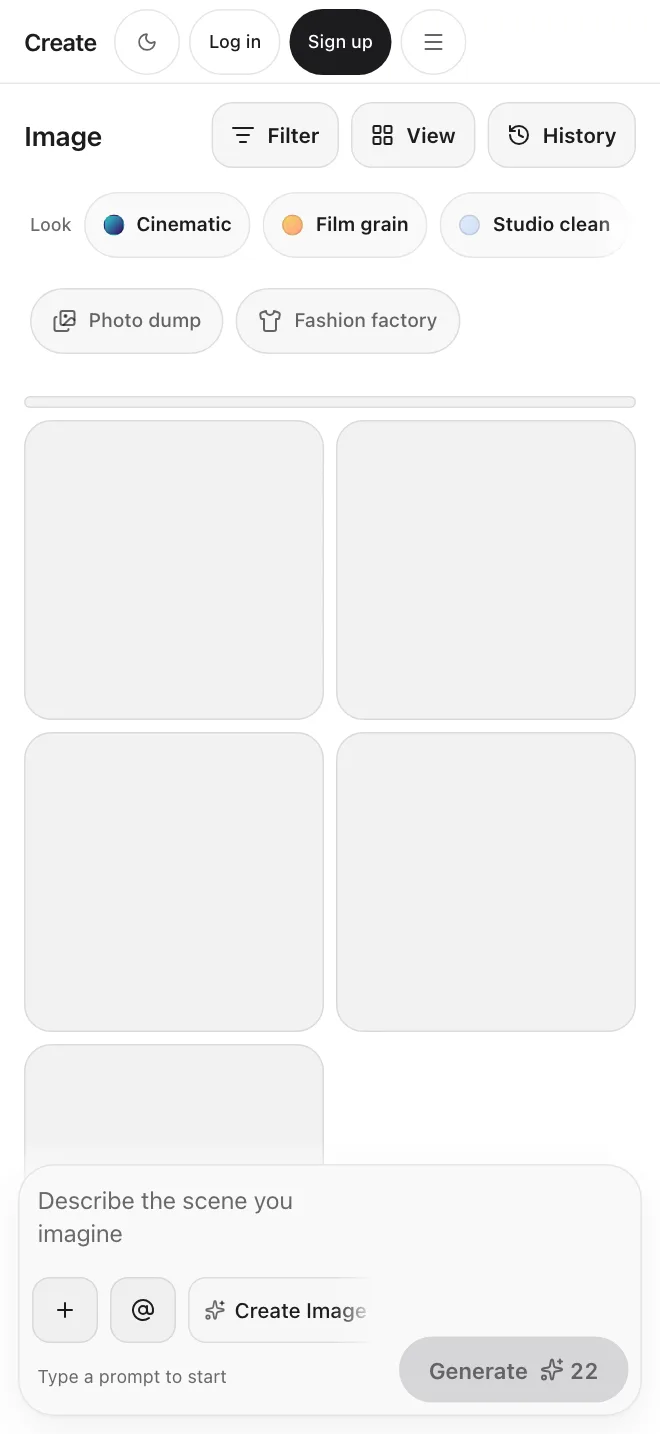
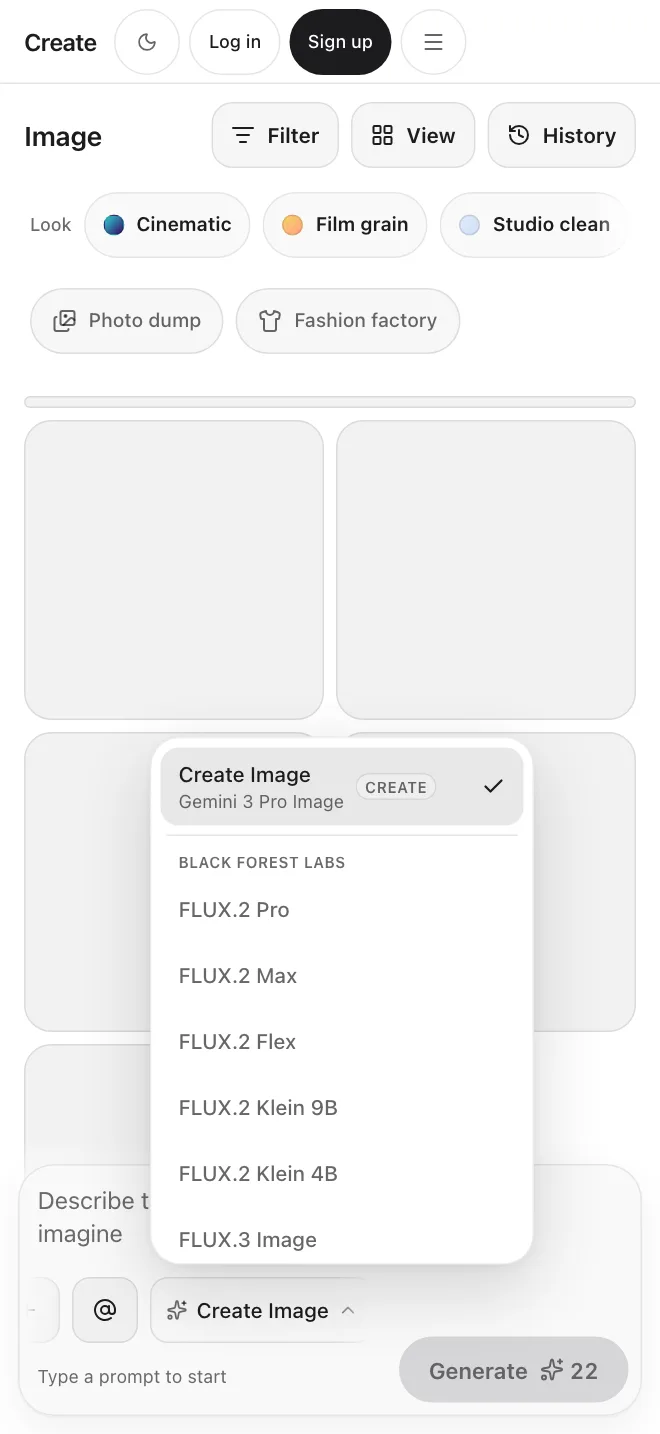
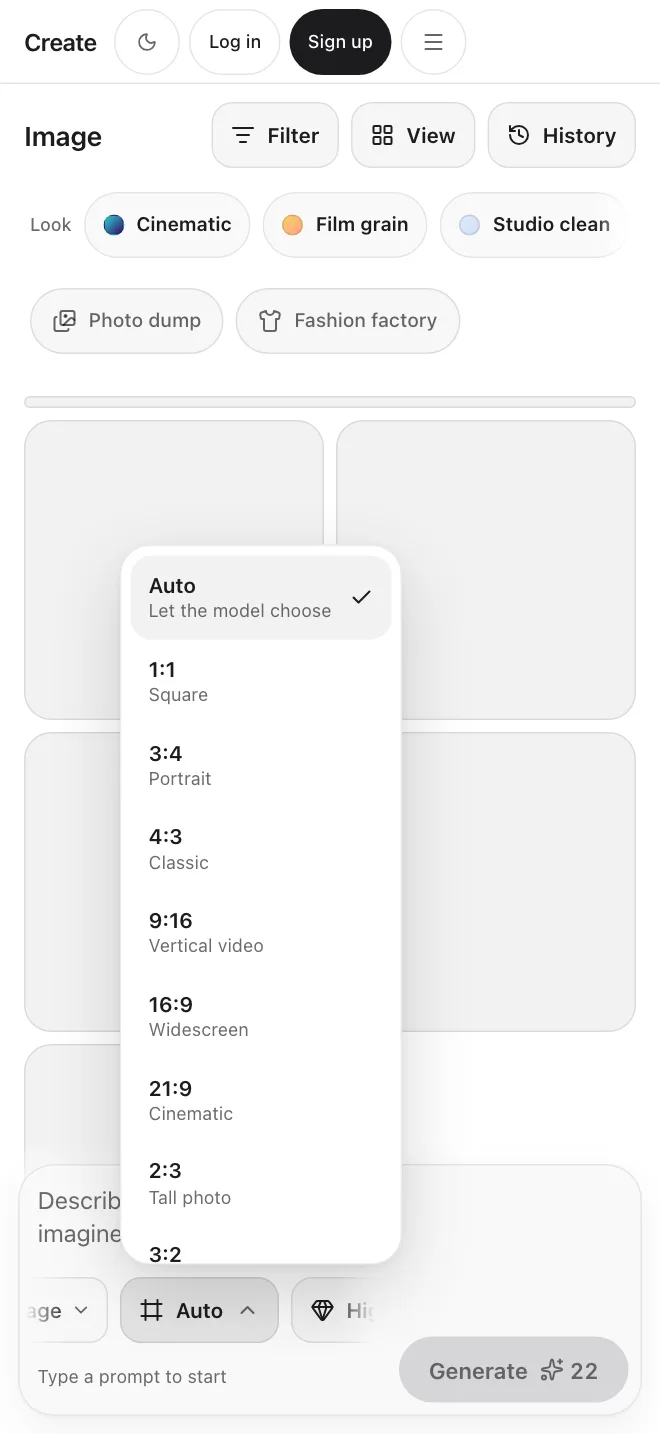
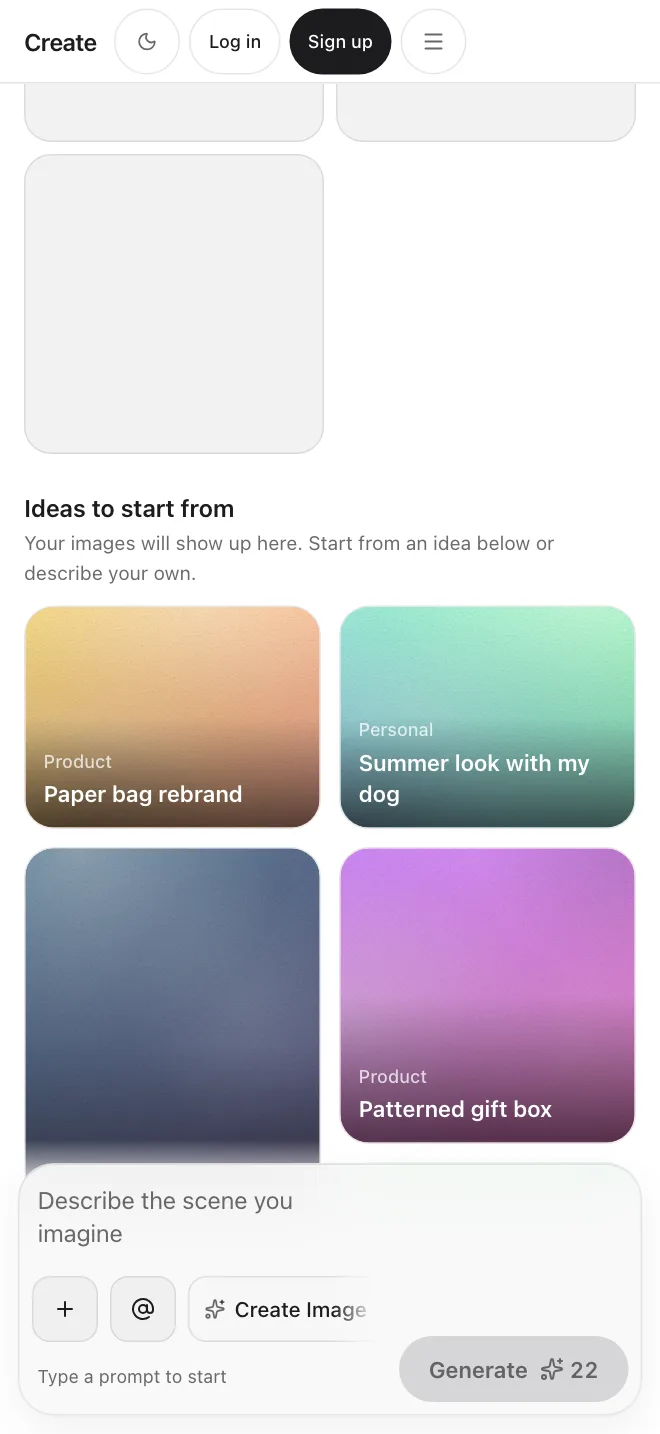
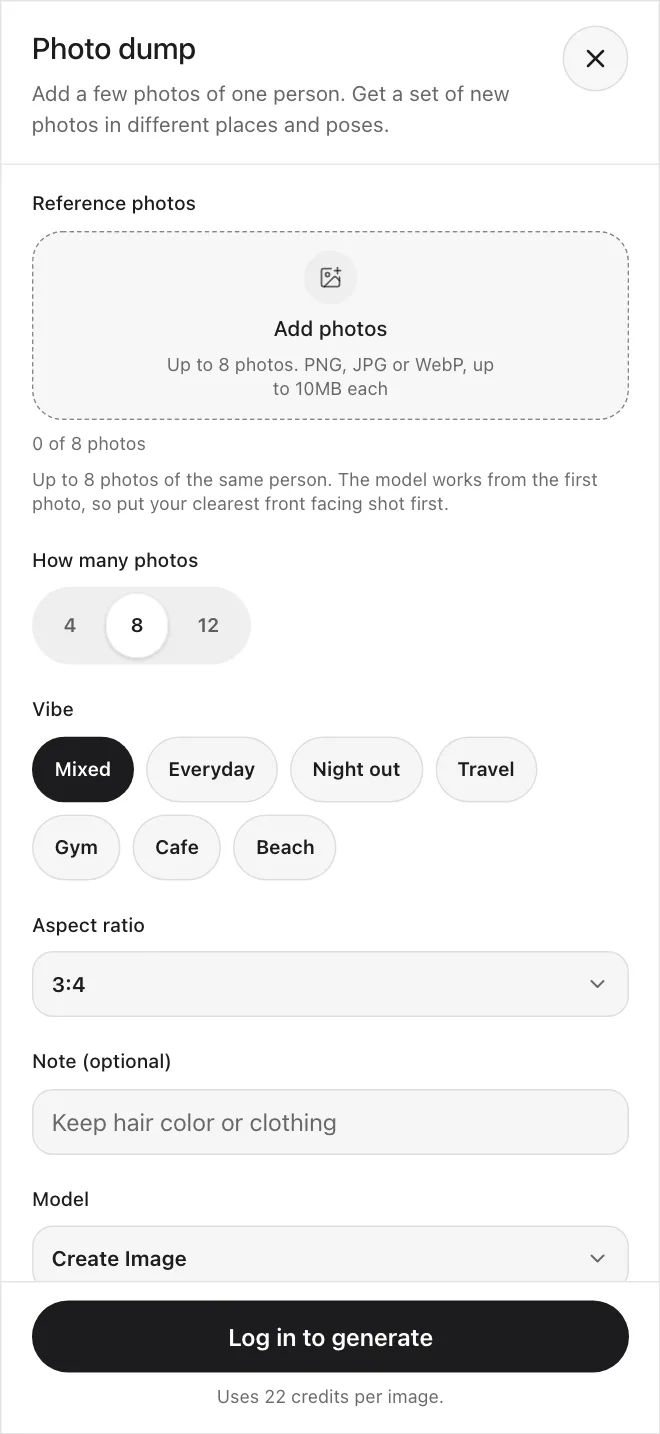
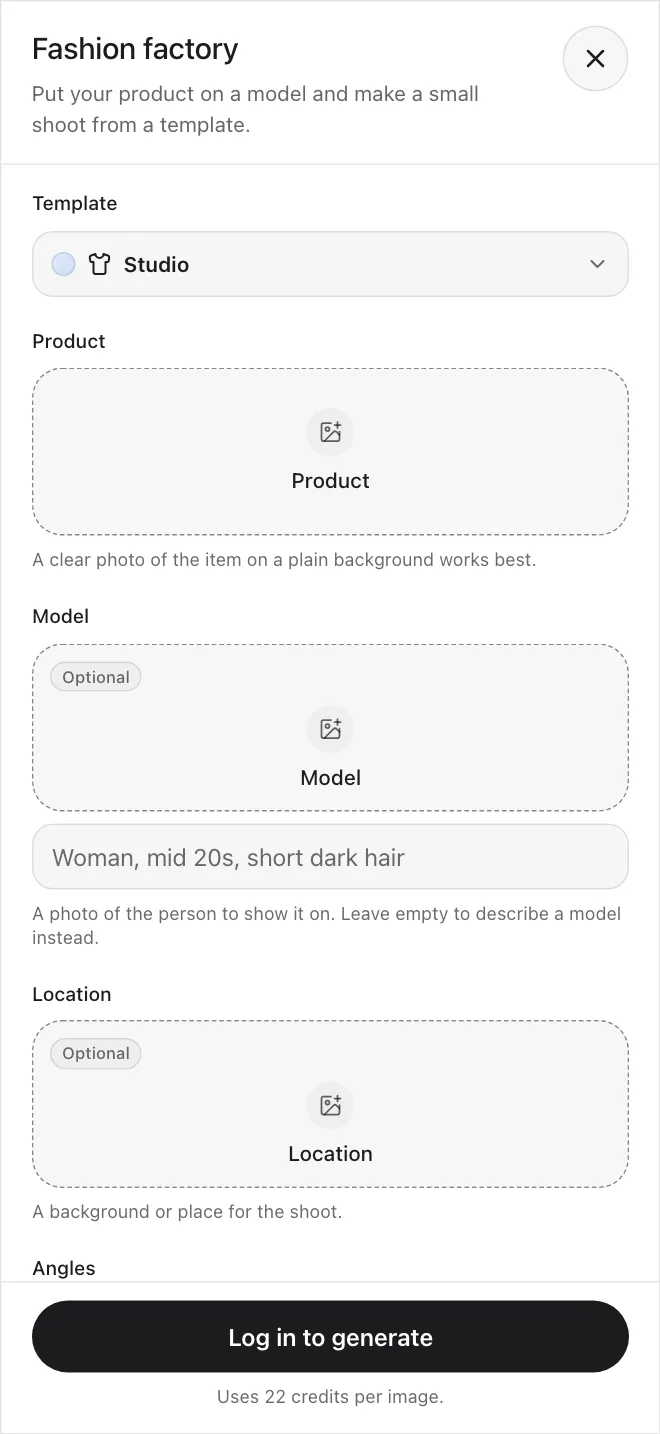
Take a look inside the tool
Real screens from the Image tool: the model list, the aspect ratio menu and ideas to start from.
Pick a model
The model list sits right under the prompt bar. Switch models without leaving the page.
Set the shape
Choose Auto or a ratio from square and portrait to widescreen and cinematic.
Start from an idea
Not sure what to type? Tap an idea and the prompt is filled in for you.
Generate from a prompt, a reference, or both
Start with a written prompt, upload a reference image, or combine both to guide the subject, style, composition, and colors.
Prompt-Based Generation
Describe the subject, composition, style, and lighting you want. Ask for up to four images in one run and compare them.
Reference-Guided Generation
Add reference images to guide the subject, style, composition, or colors, then direct the result with a prompt.
Many models in one tool
Many models, one tool
Pick a model for the result you need, then switch to another without opening a new tab or losing your prompt.
Create Image
The default model. It runs Google's Gemini 3 Pro Image, with 1K, 2K, or 4K output and up to four reference images.
Explore Create ImageFLUX
The FLUX.2 and FLUX.3 families from Black Forest Labs, from small and quick to the highest quality.
Explore FLUXGPT Image
OpenAI's GPT Image models, with low, medium, and high quality settings and up to four reference images.
Explore GPT ImageYour plan includes commercial use, under our Terms.
Start generatingNot locked to one model
Switch models, make up to four images per run, and take results into Edit and Upscale.
Pick the right model for the job
Switch models in the same tool
Change the model from the model list under the prompt bar and run the same prompt again.
Try a few ideas at once
Up to four images per run
Ask for up to four images in one run, then pick the version you like best.
Use your results
Commercial use on paid plans
Use what you generate for marketing, products, and client work under our Terms. Some model providers add their own rules.
Make it larger
Send it to Upscale
Download a result and add resolution and detail with Create Upscale. It works on images only.
Keep refining after you generate
Change it with words in Edit
Take a result into Create Edit and describe the change. There is no brush or selection tool.
Guide the result
Start from reference images
Add reference pictures to steer the subject, style, or composition. Models that take several references accept up to four.
Every tool in Create works together.
Get startedCreate Image: the default model in the Image tool
Create Image runs Google's Gemini 3 Pro Image. It makes images from a prompt and up to four reference images, at 1K, 2K, or 4K.
Explore Create ImageDefault model
“The model you start with in the Image tool. Switch at any time.”
Resolution
“Choose 1K, 2K, or 4K output.”
Aspect ratios
“Square, portrait, and widescreen shapes, up to 21:9.”
References
“Add up to four reference images to guide the result.”
Under the hood
“Runs Google's Gemini 3 Pro Image.”
Plans for every creator
Simple credit-based pricing. Upgrade, downgrade, or cancel anytime.
Basic
1,000 credits /month
$10/month
Pro
3,200 credits /month
$30/month
Max
9,000 credits /month
$80/month
Frequently asked questions
Start creating.