

Plan a film shot by shot, with the same characters in every shot
Lay out scenes and shots on a board. Point each shot at your saved characters, places, props and styles, make a still and a clip for each one, and keep the takes you like.
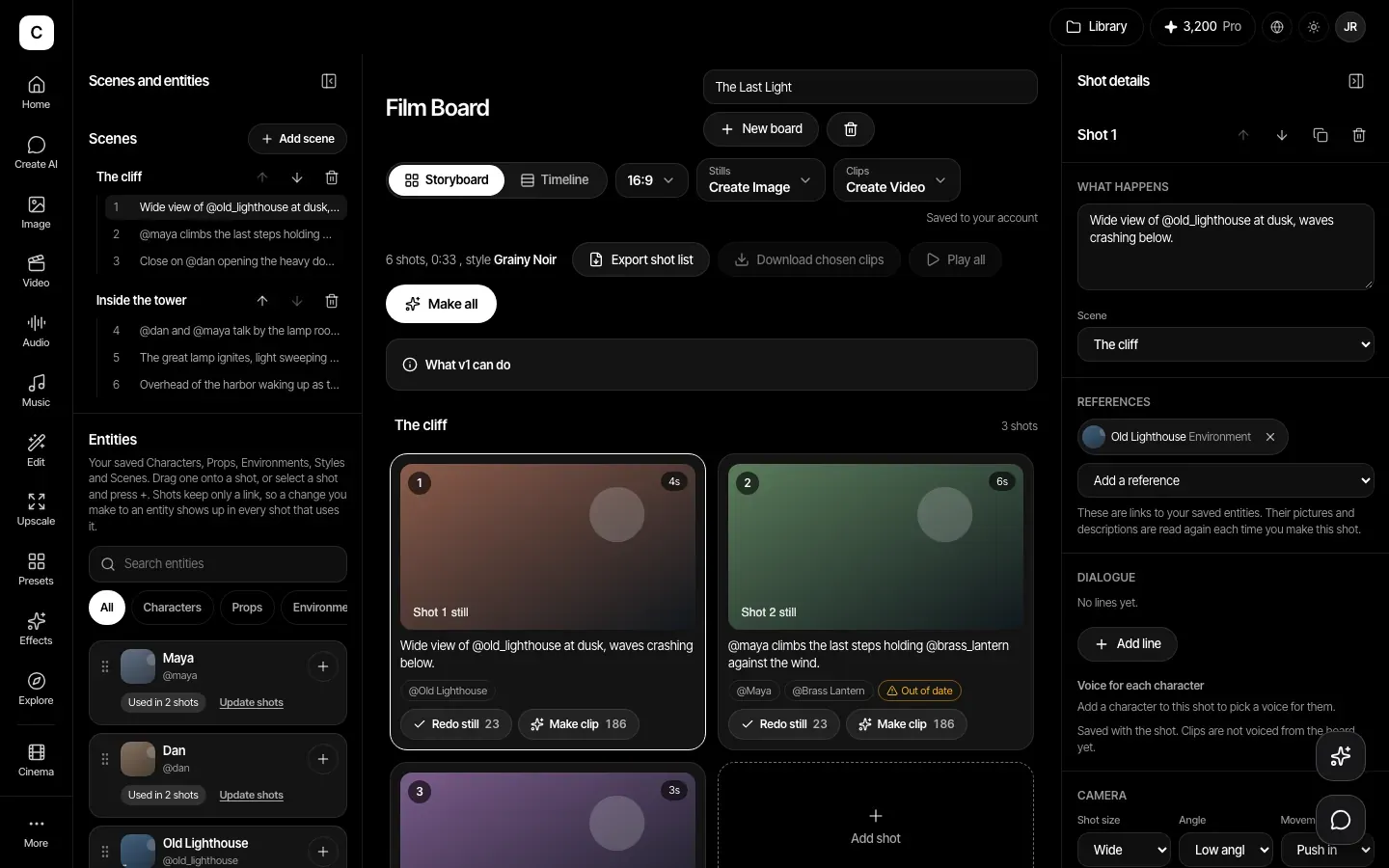
Change it once, every shot follows
Shots keep links to your saved things, not copies. Edit a Character, Prop, Environment, Style or Scene once, and every shot that uses it reads the new version the next time you make it. The board marks shots made with an older version as out of date, and lets you update them.
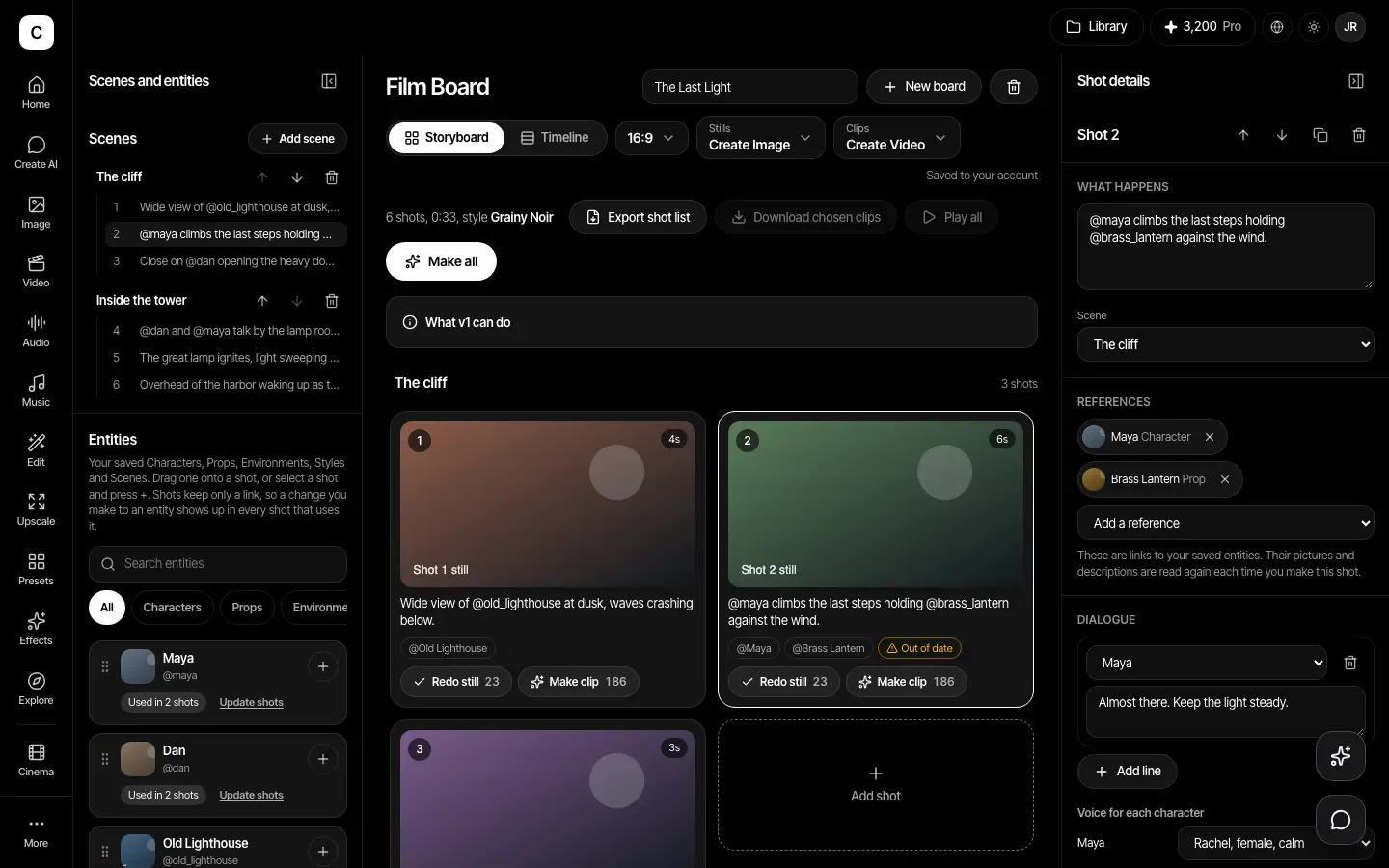
Stills first, then clips
Make a still and a clip for each shot, keep several takes, and choose the one you like. The price shows on each button. See the whole film in a timeline with its running time, play your chosen clips in order, and download them.
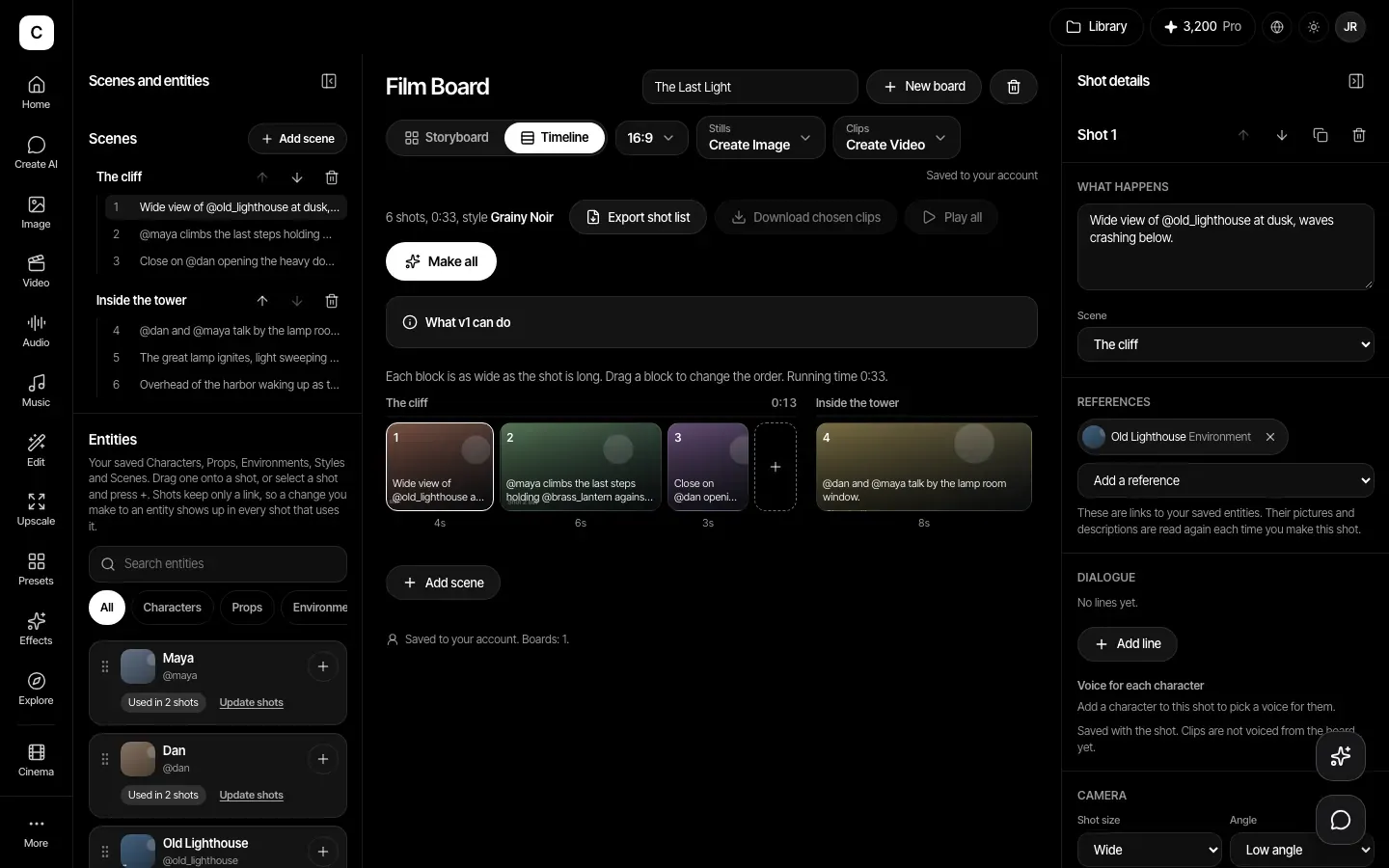
A real shot list
Each shot has a description, dialogue, camera size, angle and movement, a length from 1 to 30 seconds and notes. Export the shot list as a CSV file.
Type @ to bring in a saved thing
Write @ in a shot description to pick from your saved Characters, Props, Environments, Styles and Scenes. Your saved things come from the Assets library.
How it works
- Step 1
Build the board
Add scenes and shots, and set the shot size, angle, movement and length.
- Step 2
Attach your saved things
Point shots at saved characters, places, props and a style for the whole board.
- Step 3
Make and choose
Make stills and clips, keep the takes you want, then export the shot list or download the clips.
Plans
Making stills and clips needs a paid plan: Basic, Pro, Max, Business or Enterprise. Credits are the same as for the Image and Video tools.
Plans start at Basic, $12 a month.
Compare plansVersion 1 limits, stated plainly
- We do not join the clips into one finished video. Use a video editor for the final cut.
- Voices you pick for a character are saved on the shot. They are not added to clips yet.
- Up to 50 boards per account, 40 scenes and 200 shots per board, and 12 takes per shot.