

Make product photos without booking a studio
Upload one photo of your product, or describe it in words. Pick a scene and a style, make a few versions, then clean up and sharpen the one you like.
Keep the same product in every shot
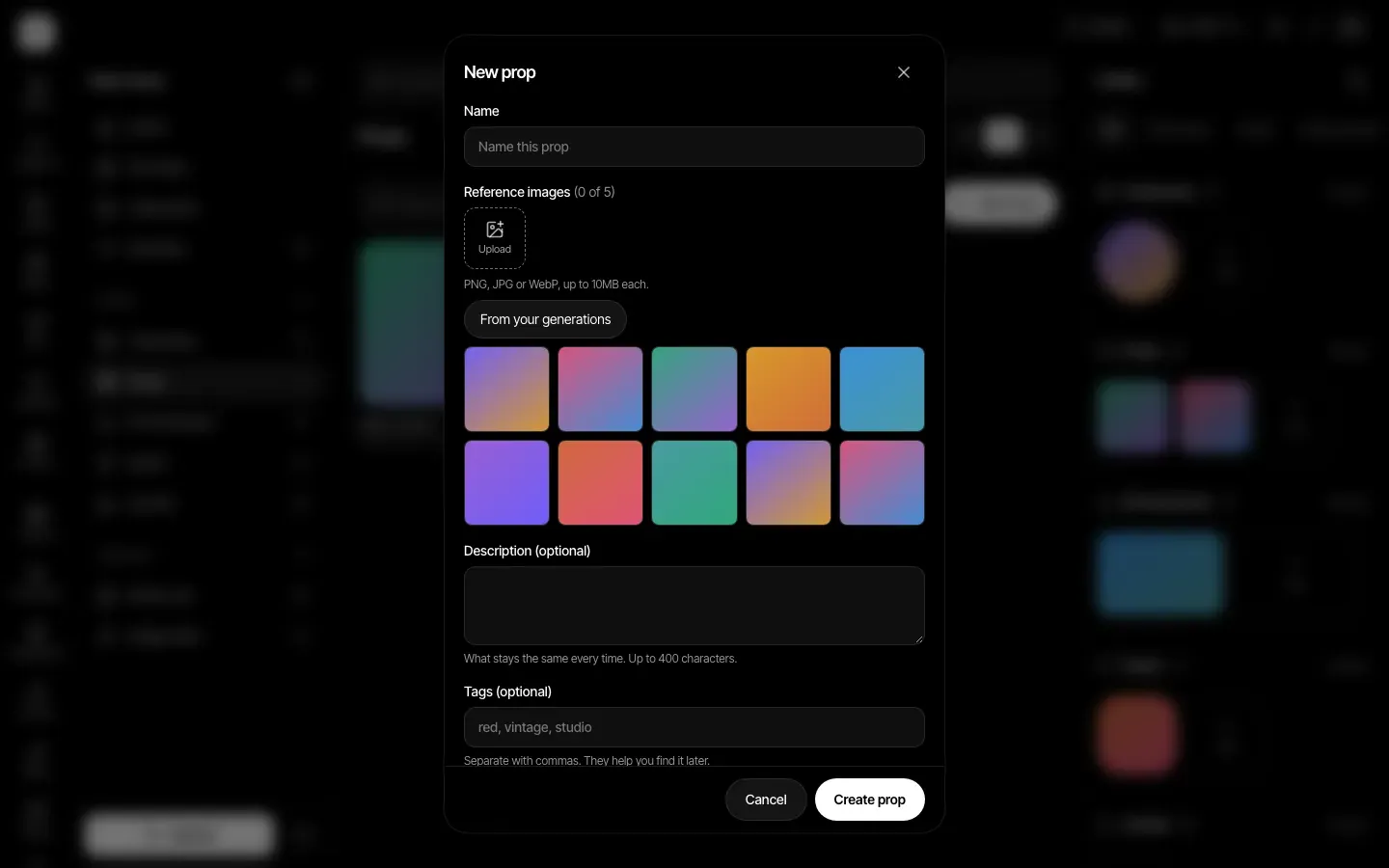
Save your product as a Prop in the Assets Library with one to five reference pictures. Type @ in a prompt to bring it in, so a new scene starts from the same product each time.
Start from a photo or a sentence
In Marketing Studio, open the Ecommerce view. Upload one product photo (PNG, JPG or WebP, up to 10 MB) or describe the product, then choose a scene such as Studio white, Wood table, Kitchen, Outdoor, Marble or Gradient.
Ten looks, many shapes
Pick a style such as Closeup, Flat lay, Hero shot, In hand or Floating. Choose 1K, 2K or 4K and a shape such as 1:1, 3:4, 9:16 or 16:9, and make one to four results at a time so you can keep the best.
Fix and sharpen with words
The Edit tool changes a photo from a written instruction, such as remove the background, relight the scene or expand the edges. The Upscale tool then adds detail and resolution to the finished image.
How it works
- Step 1
Add your product in Marketing Studio
Open the Ecommerce view, upload a product photo or describe the product, then pick a scene and a style.
- Step 2
Generate and choose
Set the shape and size, ask for up to four results, and keep the versions that look right. Press Random idea if you want a starting prompt.
- Step 3
Edit, upscale, download
Download the result you like, upload it to Edit to change something with a sentence, then run it through Upscale to add resolution.
Plans
Every tool on this page is on every paid plan: Basic, Pro, Max, Business and Enterprise. Basic includes 1,000 credits a month, and each image or edit shows its credit price before you press generate. Your plan includes commercial use of what you make, under our Terms.
Plans start at Basic, $12 a month.
Compare plansLimits, stated plainly
- Results are made by AI models, so they can change small details such as logos, labels and printed text. Check every result before you use it in a listing or an ad.
- You cannot import a product from a link. Upload a photo or describe the product.
- Edit has no brush or selection tool. You name what to change in a sentence.
- Upscale works on images, one at a time, and cannot bring back detail that was never in the photo.
- You need the right to use the photos you upload.
Frequently asked questions
No. A clear photo of the product on a plain background works well, and you can also describe the product in words. A sharper starting photo gives the models more to work from.
Not always. AI models can change small details, especially text and logos on packaging. Make a few versions, compare them with your real product, and keep only the ones that are accurate.
Your plan includes commercial use of what you make, under our Terms. You also need the right to use any photo you upload, and other laws such as trademark rules may apply where you sell.
Every generation uses credits, and the price is shown before you press generate. Basic is $12 a month with 1,000 credits. Create has paid plans only.