



One product.
Ready-to-post content.
Add a product photo, describe the post, and make images and short videos. Start from a template for product shots, UGC, TikTok, ads, posters or marketplace images.
Join the waitlist
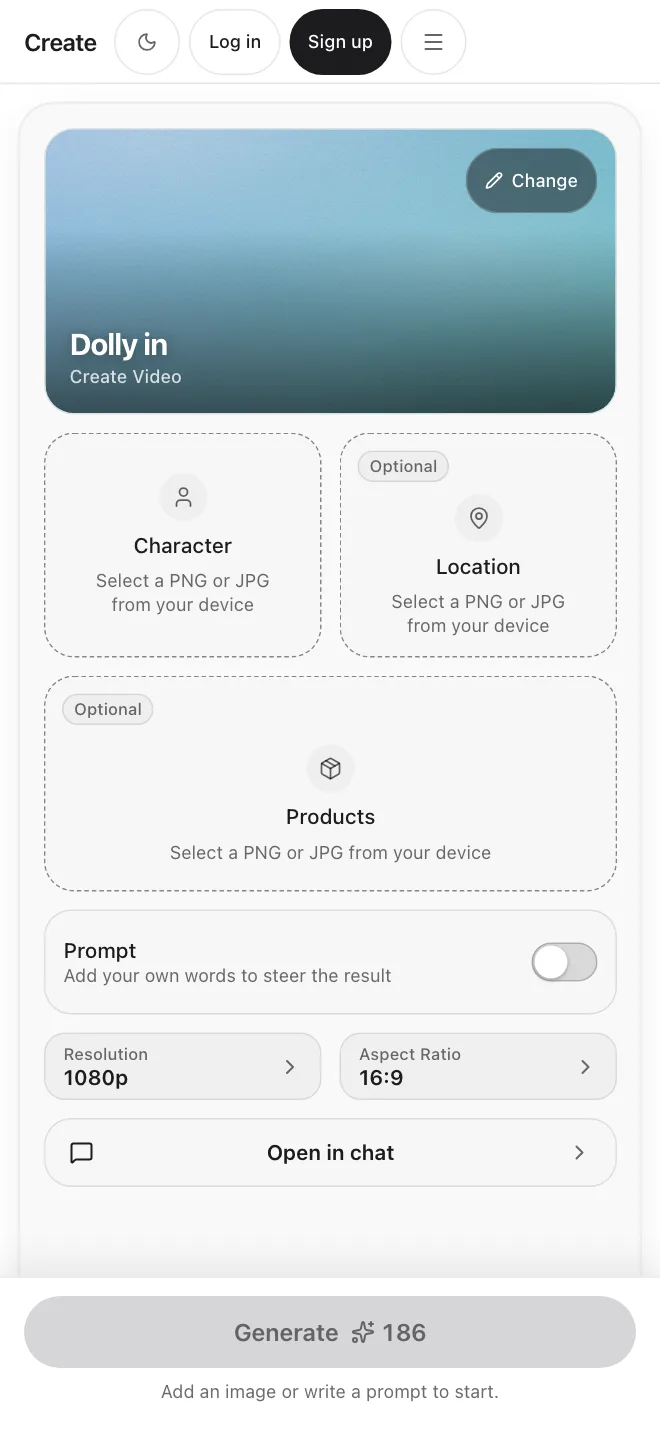
Start from a template or a description
Pick an example prompt and change the words, or write your own. Either way, add a product photo if you have one.
From a template
Templates are example prompts grouped as Product shot, Motion, UGC, TikTok, Ads, Posters and Marketplace. Pick one to fill the prompt box, then edit it.
“Product centered on a clean white backdrop with soft shadows”
Start from a templateFrom a description
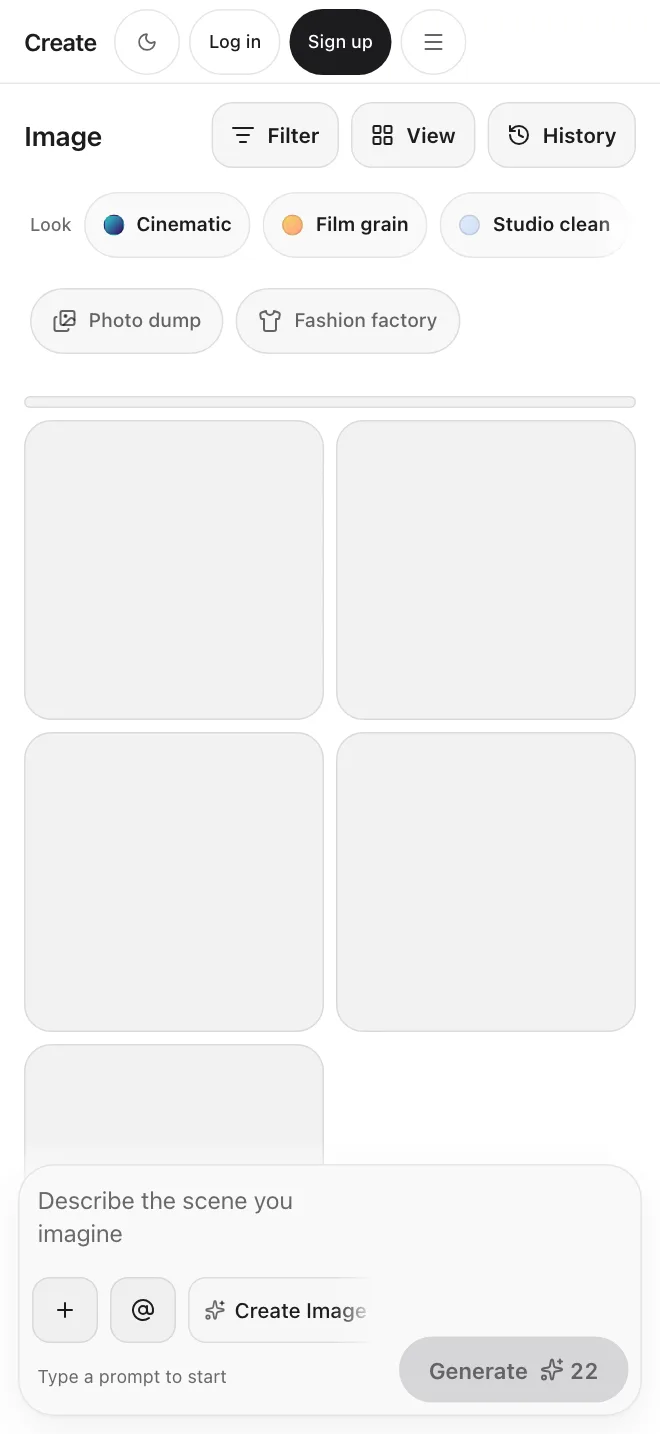
Describe the product and the post, then pick a style and an aspect ratio. Switch to Video for a short clip.
“Casual morning scene using the product, phone camera style”
Start from a descriptionWhat you set before you generate
Three choices shape every result.
Add your product
Upload one product photo (PNG, JPG or WebP, up to 10 MB), or describe the product in words.
Choose a style
Closeup, Lifestyle, Flat lay, Studio, Outdoor, Hero shot, In hand, Unboxing, Floating or Minimal.
Pick image or video
Choose the aspect ratio and how many results to make, from one to four. For video, choose the length.
Every format, one workspace
Example prompts are grouped by format. Pick one, add your product photo and change the words.
Product shots
Your product on a clean white backdrop, a marble counter, floating in mid air, or in a flat lay, from a photo or a prompt.
UGC clips
Short clips shaped like something filmed on a phone, such as a morning routine or an unboxing. Results depend on the video model.
Ads
Example prompts for a sale banner, a social carousel cover and a short video ad.
Marketplace images
Example prompts for a main photo on white, a second angle, the product in use, and a size comparison.
Posters
Poster and flyer layouts with room for type. You write the words in your prompt. There are no editable layers.
Motion clips
Short product clips, such as a slow turntable, a splash reveal or a push in.
Add a person when you need one.
In the Ecommerce view, choose Woman, Man or Kid and the prompt asks for a model to hold or wear the product. Results depend on the model. There is no saved presenter library.
See the Ecommerce view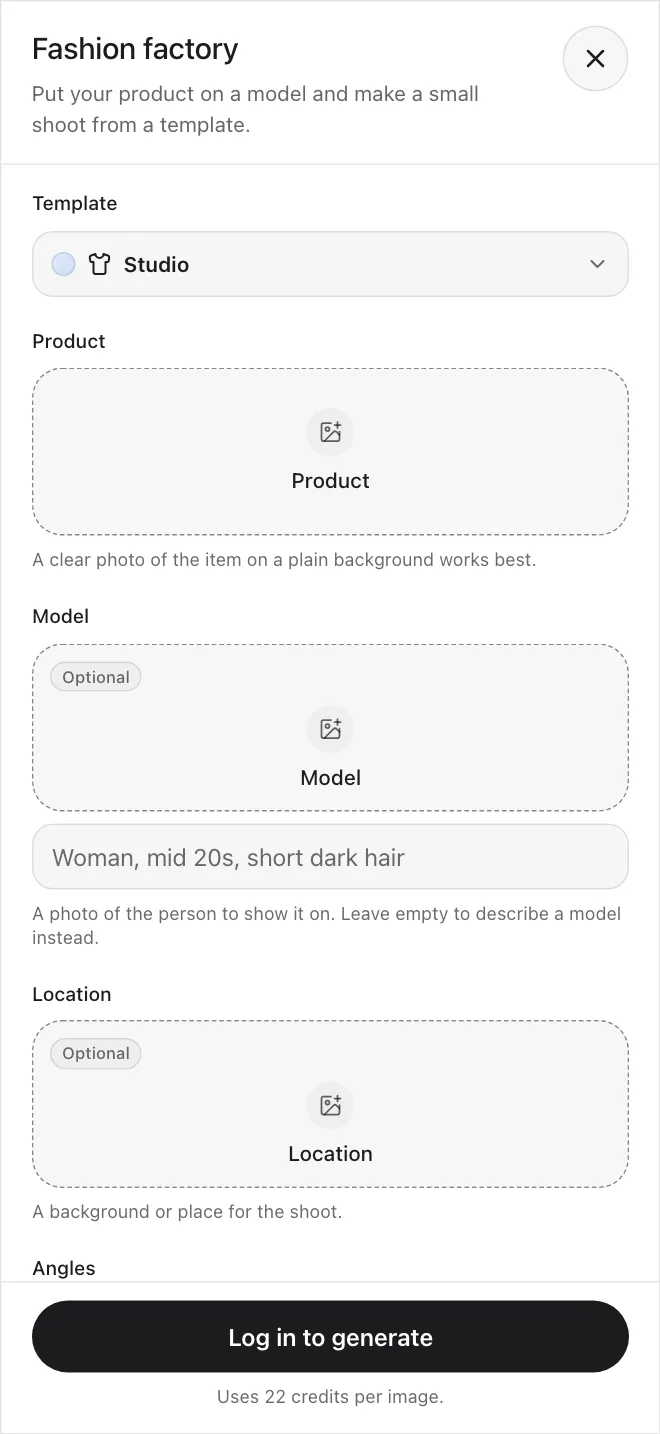
Choose a plan
Paid plans with a monthly credit allowance. The credit cost shows before you generate.
Marketing Studio FAQs
Start creating.