



AI Image Enhancer
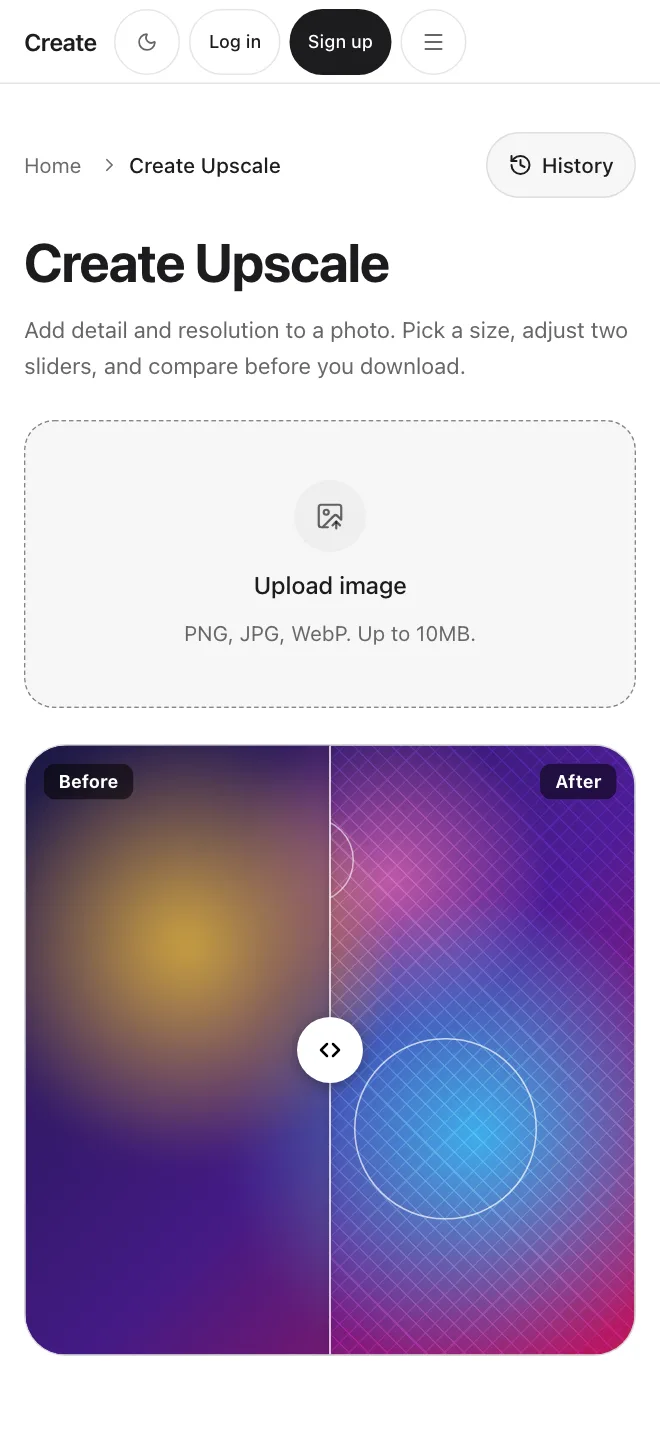
Enhance a small or soft photo with Create Upscale. It adds detail and resolution, and a before and after slider lets you compare the two before you download.
Upload to enhance or drop a file
PNG, JPG or WebP, up to 10MB
Try Create UpscaleBy uploading an image you agree to our Terms of Service and Privacy Policy.
Sharper, bigger photos
Real screens from the Create app.
What Create Upscale does
Create Upscale
Add detail and resolution
Upload a PNG, JPG or WebP up to 10MB. Create Upscale adds detail and resolution, then you compare before and after with a slider and download the result.
Sharper results
Cleaner edges and texture
The model fills in texture and sharpens edges. It makes informed guesses about detail that was never captured, so very blurry sources have limits.
Create Edit
Quick fixes in words
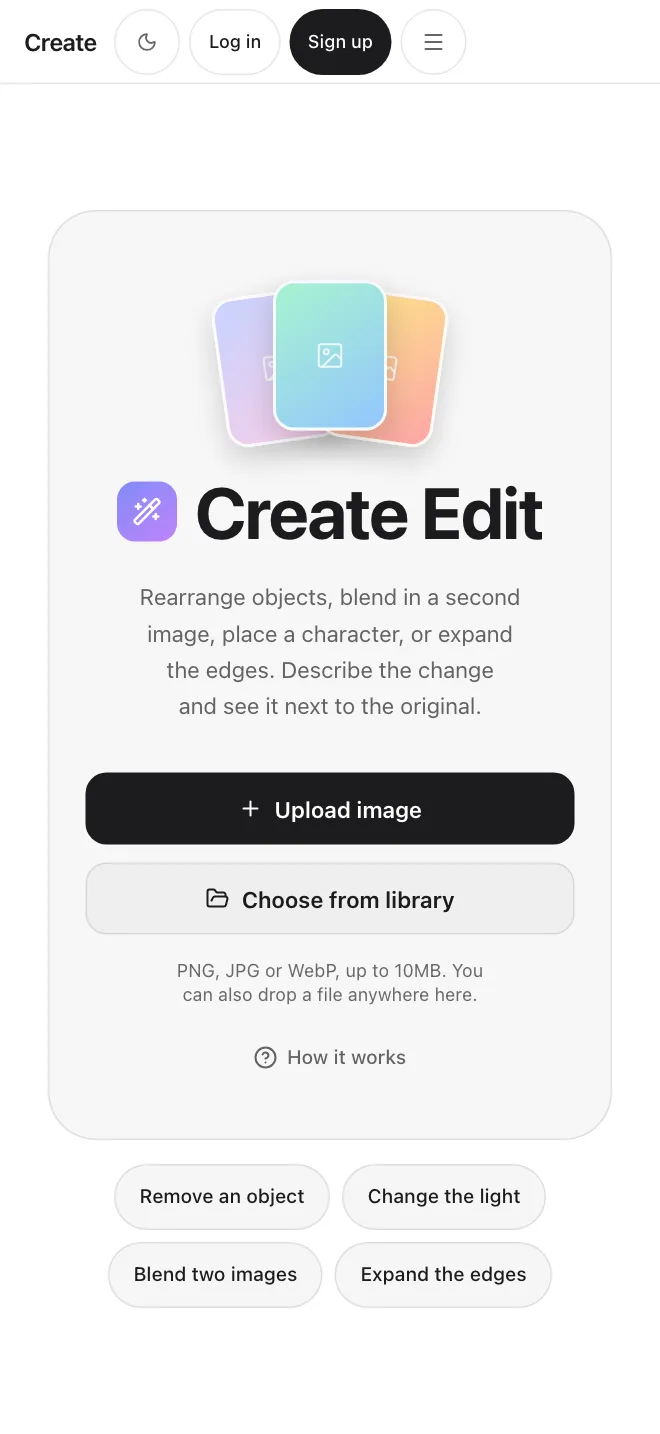
Ask Create Edit to enhance quality and sharpness, or to relight a photo. For more resolution, use Create Upscale.
Your history
Find your results again
Upscaled images are saved to your history and your Library, so you can reopen or download them later.
Upload, compare, download.
Get startedStart before you enhance
Generate an image, then refine the result
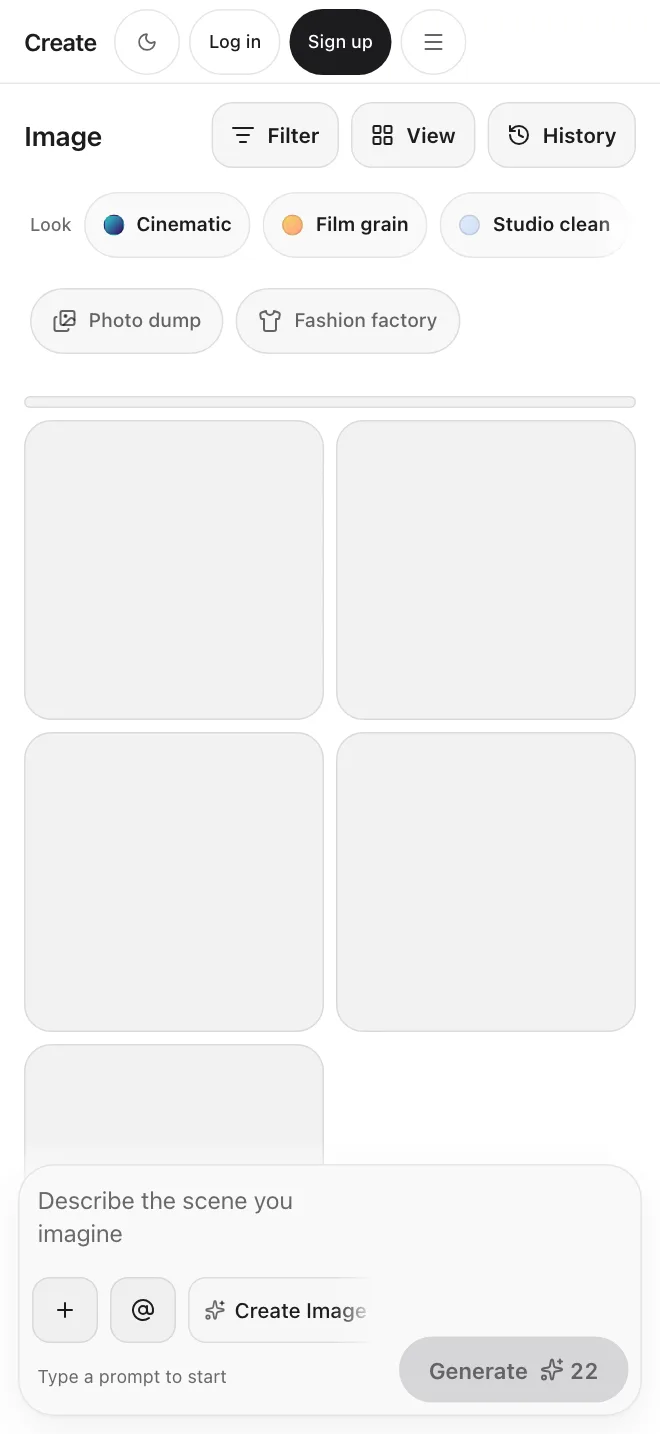
Make an image from a text prompt, then bring it to Create Upscale for more detail and resolution.
Generate images with AICreate Upscale runs on Topaz Wonder 3.5
Detail where it was missing
Create Upscale is our name for the default upscaling model. It is built to keep photos looking natural while it adds detail.
Get startedSimple plans
Simple credit-based pricing. Upgrade, downgrade, or cancel anytime.
Basic
1,000 credits /month
$10/month
Pro
3,200 credits /month
$30/month
Max
9,000 credits /month
$80/month
Read more about the upscaler
Enhancing and upscaling are the same tool in Create. See how it works on the AI Upscaler page.
See the AI UpscalerFrequently Asked Questions
Start creating.