



AI Image Generator
Create from text or reference images
Generate images from a text prompt or a reference image. Compare models, create variations, and refine or upscale the result in one workspace.
Screens from the app
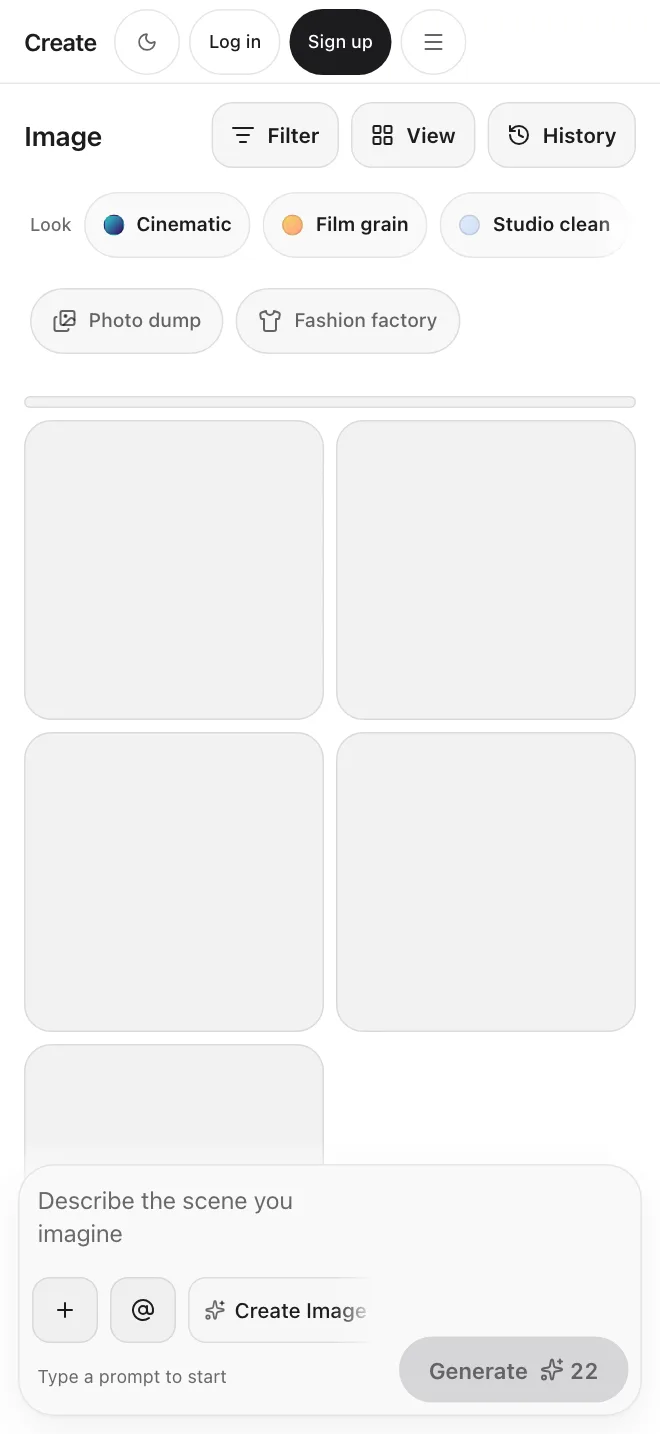
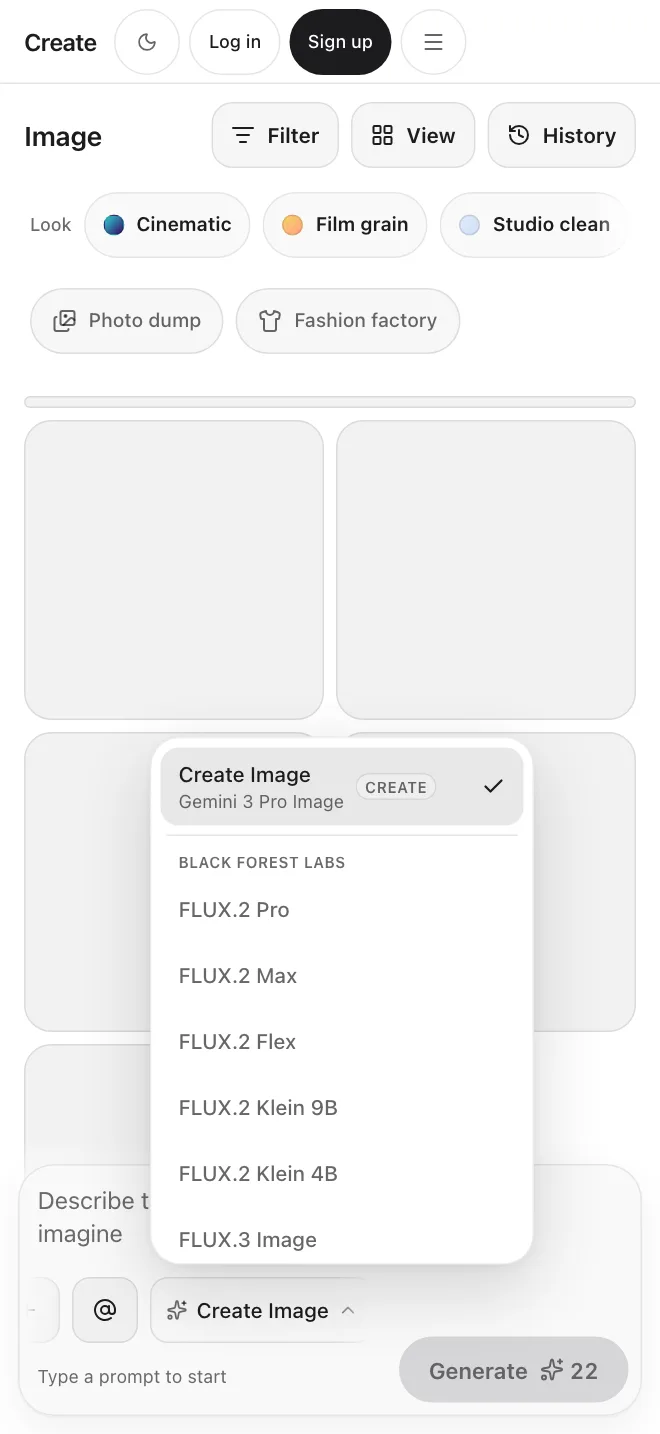
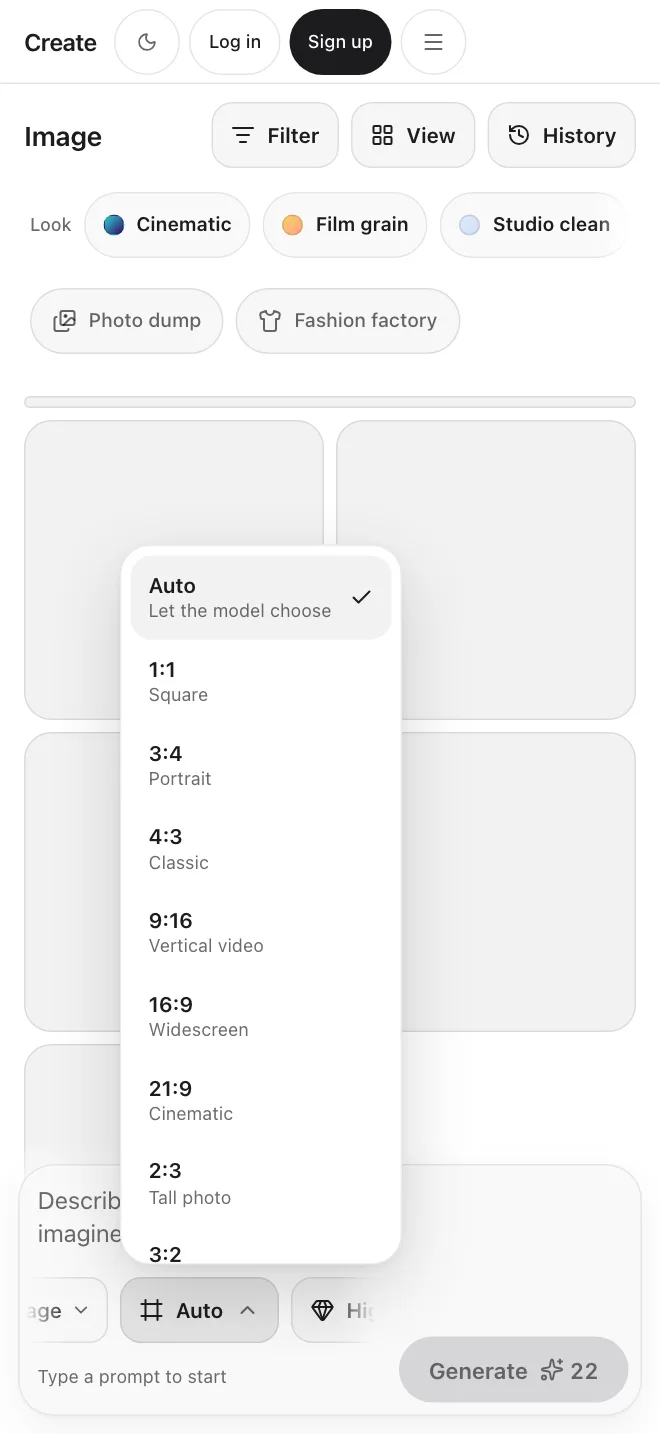
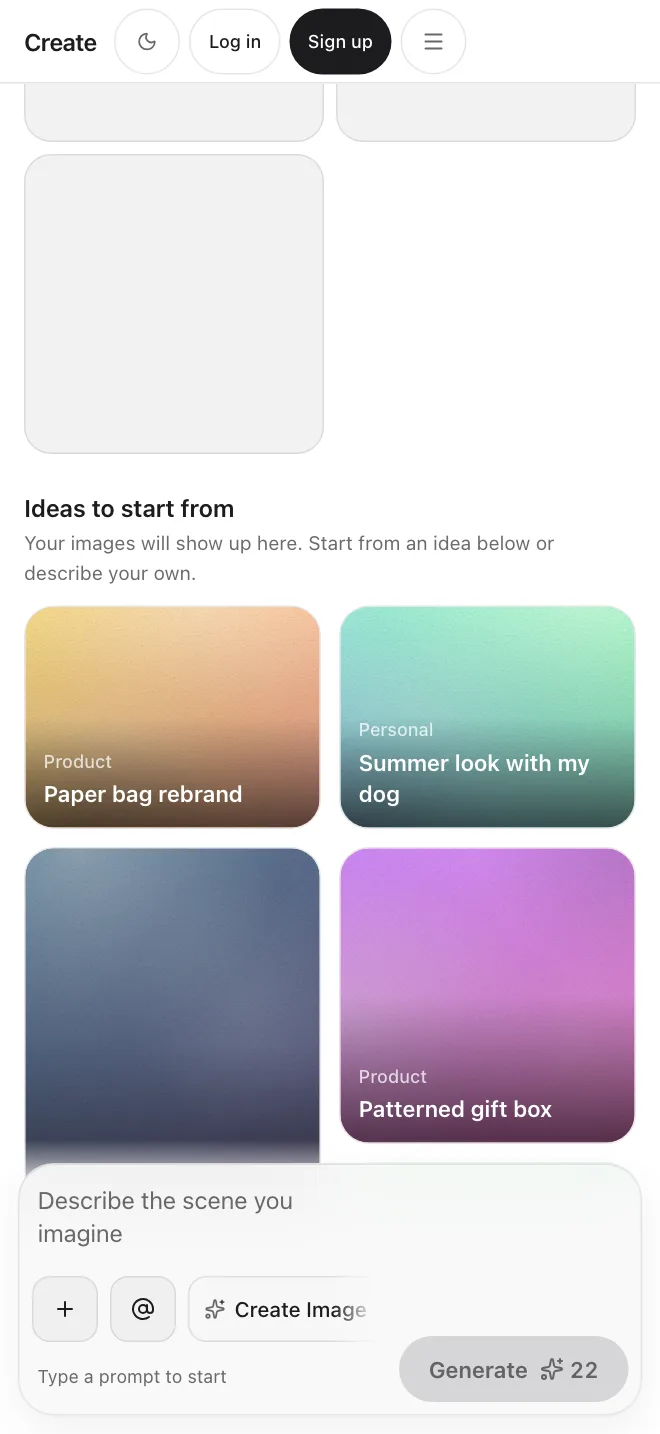
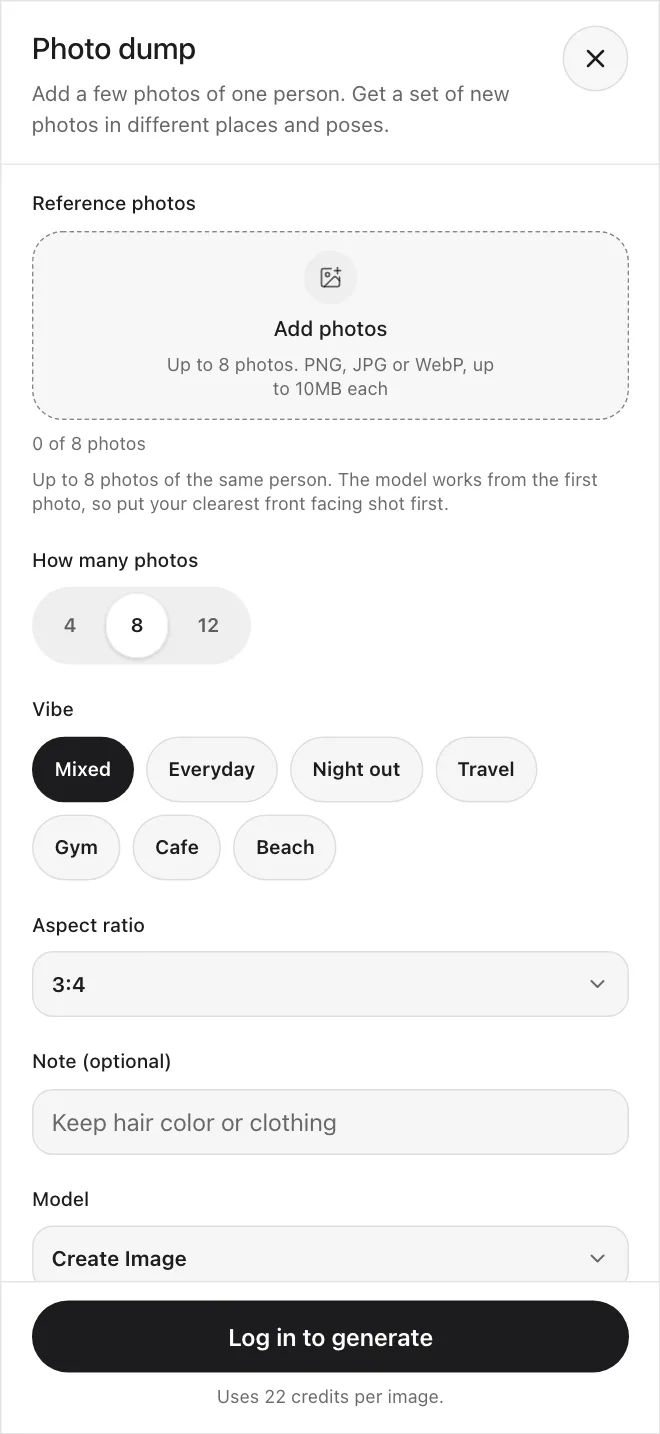
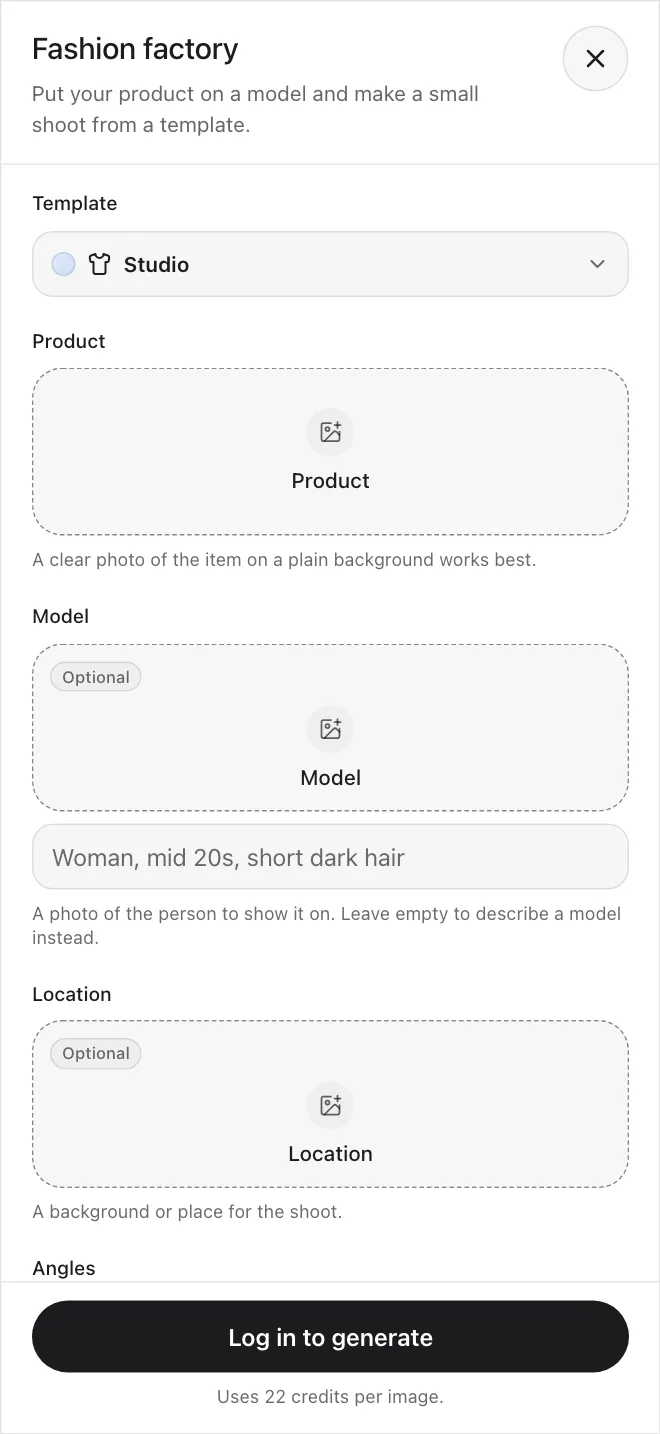
Explore AI image generation possibilities
Prompts to start from, each with the model and style it suits. Copy one into the Image tool and change the words.
General · Long exposure
Cute orange tabby cat in a fast-food worker uniform, red apron and cap, holding a tray with a cheeseburger, inside a restaurant
Studio · Photography
Editorial fashion photography with sculptural lighting and crisp campaign styling
Studio · Architecture
Minimalist architectural retreat framed by warm light and monumental nature
Illustrative · 3D
Playful 3D character object rendered with polished materials and depth
Illustrative · Anime
Dynamic animated hero illustration with bold shape language and motion
Precision · Industrial design
Premium industrial design concept with exact surfaces and studio reflections
Create AI images from text or reference images
Start with a prompt, a reference image, or both, to guide the subject, style, composition, color, and detail.
Text-to-Image Generation
Describe the subject, composition, style, and lighting you want. Create generates several versions to compare and refine.
Reference Image Generation
Upload an image to guide the subject, style, composition, colors, or product details, then use a prompt to direct the new result.
Many models in one workspace
Leading AI image generators, all in one workspace
Choose the model that fits your project, then test prompts and reference images across multiple models without leaving Create.
Studio
Create polished visuals across photography, illustration, architecture, 3D, and design.
Explore StudioPrecision
Follow complex instructions and generate images with readable text and controlled layouts.
Explore PrecisionIllustrative
Generate illustrations, stylized artwork, and visual concepts from text prompts.
Explore IllustrativeAll paid plan generations are licensed for commercial use.
Start generatingAI image generation features for creative control
Generate variations, choose the right format, edit specific details, enhance image quality, and turn finished images into video without leaving Create.
Explore more creative directions
Generate image variations
Create multiple compositions, poses, styles, and visual treatments from the same idea, then refine the option that works best.
Generate images in the size you need
Create images in common aspect ratios
Generate square posts, vertical stories, widescreen visuals, banners, presentations, and other common formats without awkward cropping.
Guide the result
Start from a reference image
Add a reference picture to steer the subject, style, or composition. Models that take several references accept up to four.
Refine without starting over
Change an image with words
Describe a change, such as a new background or a different style, and Create Edit applies it. There is no brush or selection tool.
Prepare images for final output
Enhance and upscale your results
Improve detail, clarity, and resolution before downloading or using the image in larger formats.
Bring still images to life
Turn images into videos
Animate a generated or uploaded image with motion in Create Video. Only models that take an image can do this.
Every tool works together in one workspace.
Get startedStudio: Create's flagship image model
Studio is built for photography, architecture, illustration, 3D, and product design.
Explore StudioPhotography
“Editorial fashion photography with sculptural lighting and crisp campaign styling.”
Architecture
“A quiet architectural retreat framed by warm light and monumental nature.”
Animation / Illustration
“A dynamic animated hero illustration with bold shape language and motion.”
3D
“A playful 3D character object rendered with polished materials and depth.”
Industrial design
“A premium industrial design concept with exact surfaces and studio reflections.”
Plans for everyone
Simple credit-based pricing. Upgrade, downgrade, or cancel anytime.
Basic
1,000 credits /month
$10/month
Pro
3,200 credits /month
$30/month
Max
9,000 credits /month
$80/month
Discover even more features
Frequently asked questions
Start creating.