



Create Upscale
Add detail and resolution
Upload an image, choose a size, and get a larger, sharper version back. Compare it with your original before you download. Works on images.
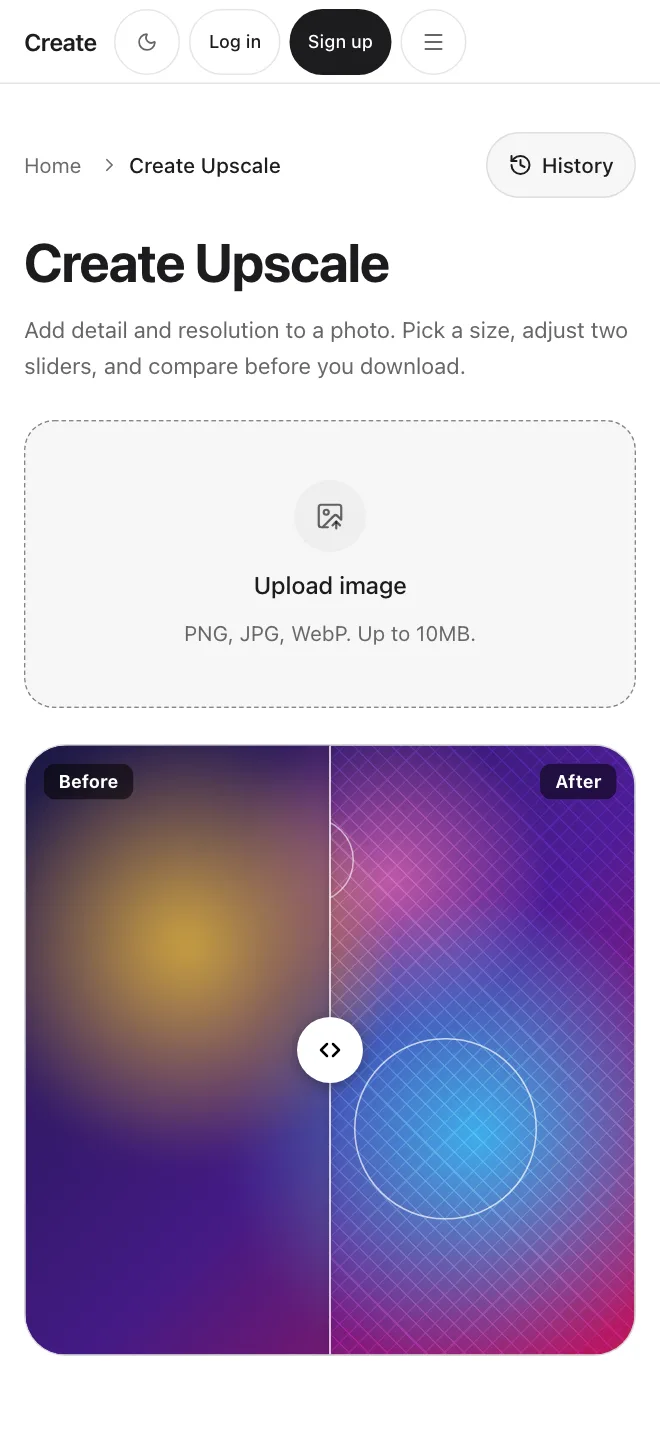
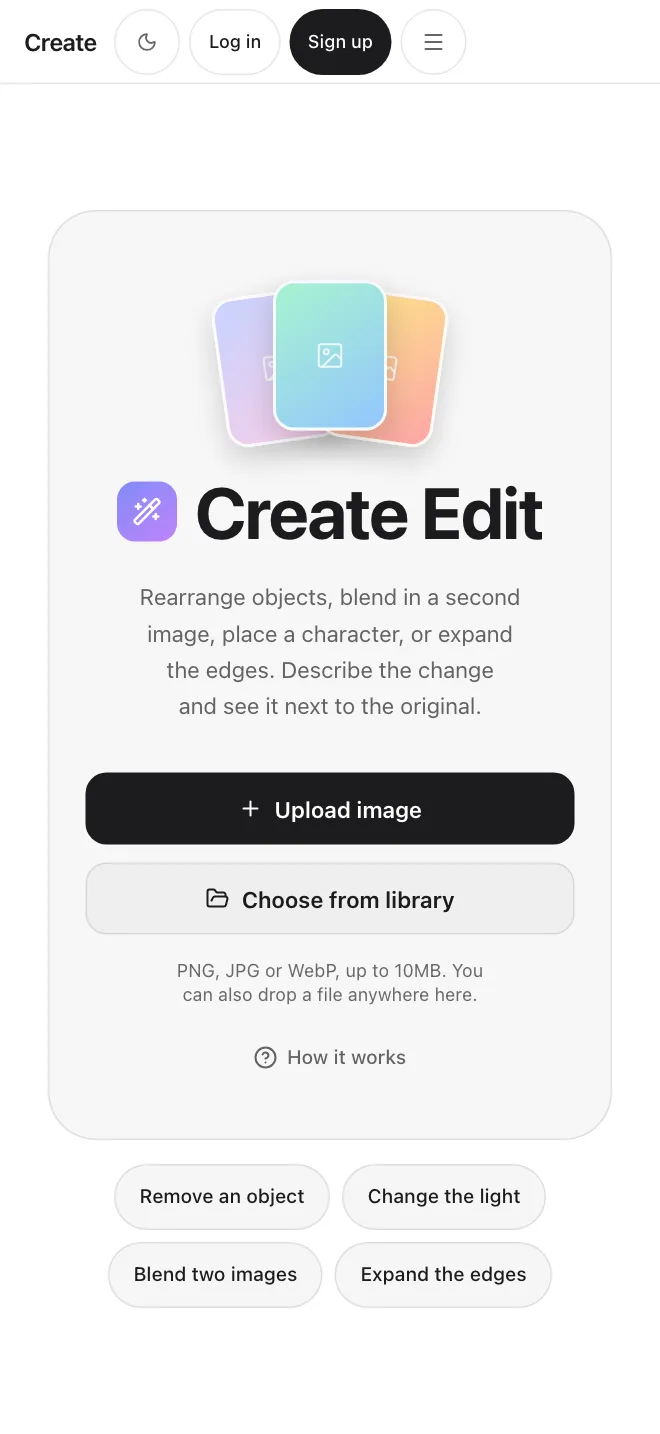
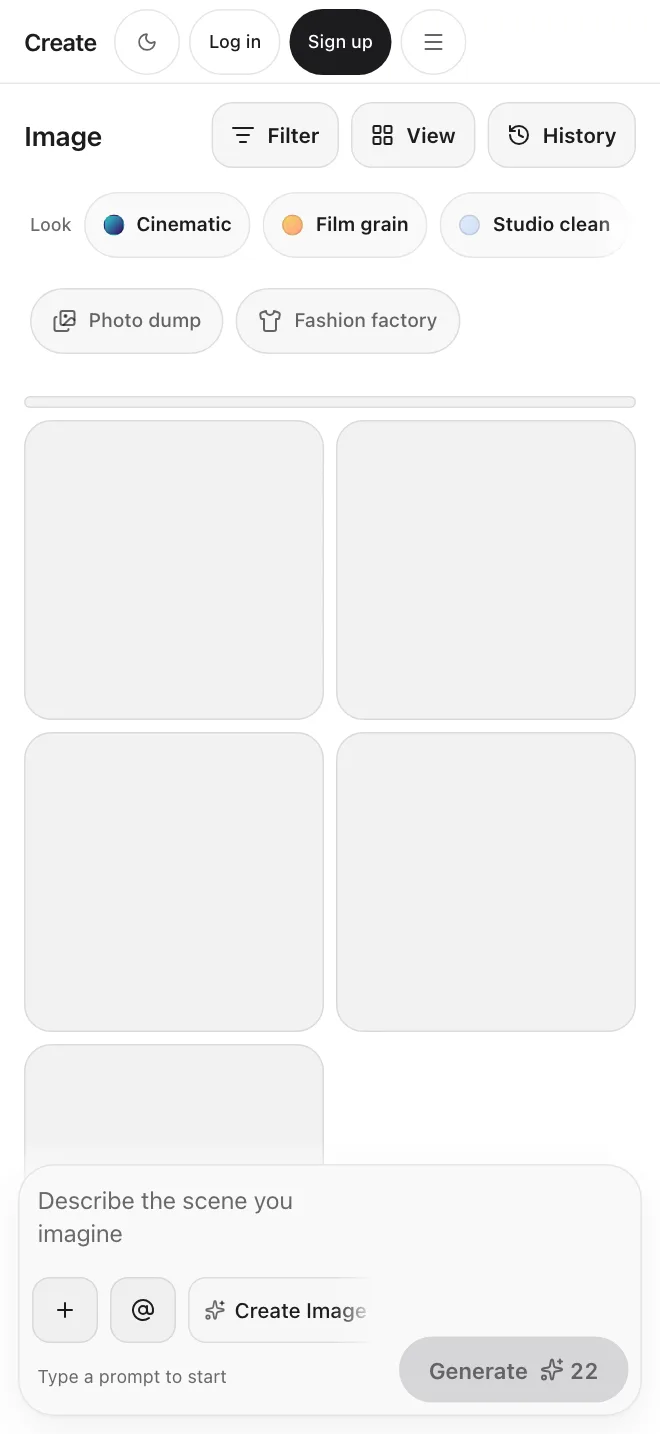
Screens from the app
Ideas to try
Ideas for the kinds of images Create Upscale is useful for.
Product photos · Create Upscale
Add detail to a small product photo before you put it on a store page
Scans · Create Upscale
Give a scanned print more resolution before you share it
Portraits · Create Upscale
Sharpen a slightly soft portrait and keep it natural looking
Generated images · Create Upscale
Make a small generated image bigger before you download it
Compressed photos · Create Upscale
Bring out texture in a compressed photo from the web
Old photos · Create Upscale
Add resolution to an older family photo
Simple controls
Choose a size and a quality, then set two sliders if you want to.
Size and quality
Choose a size of 2x, 4x or 8x and a Standard or High quality setting. The screen shows the output size in pixels for the size you pick.
Strength and Creativity
Two sliders for how strongly the model works and how much new detail it may invent. They apply to the models that support them, so compare the result with your original.
On the Upscale screen
What you can set and see
Size, quality, strength and creativity go in. A before and after slider and a download come out.
Size
Pick 2x, 4x or 8x. The screen shows the output size in pixels.
Quality
Choose Standard or High.
Strength
A slider for how strongly the model works on your image.
Creativity
A slider for how much new detail the model may add.
Compare
Drag a slider between your original and the result.
Download
Save the result, or open it again later from your history.
Your plan includes commercial use, under our Terms.
Start upscalingWhat Create Upscale does
Add resolution and detail to an image, compare, and download.
Images
Add resolution to a photo
Upload a PNG, JPG or WebP up to 10MB and get a larger version back.
Create Upscale
Add detail
The model fills in texture and sharpens edges. It guesses at detail that was never captured, so a very blurry source has limits.
Controls
Size, quality, strength, creativity
Choose a size and a quality, and set two sliders. Not every model applies every control, so check each result.
Before you download
Compare with a slider
Drag the slider between your original and the result before you decide to keep it.
History
Find results again
Upscales are saved to your history and your Library, so you can reopen or download them later.
Upload, compare, download.
Get startedMade for everyday images
Ideas for what to upscale. Results depend on the image you start with.
Start upscalingProducts
“Add detail to a small product photo for a store page.”
Scans
“Give a scanned print more resolution.”
People
“Sharpen a slightly soft portrait and keep it natural.”
Generated
“Make a small generated image bigger.”
Old photos
“Add resolution to an older family photo.”
Your upscales are saved
Everything you make appears in your Library and your history, so you can reopen it, mark a favorite, or download it later.
Start creatingSimple and honest
What you get with Create Upscale.
Simple controls
A size, a quality, and two sliders. No settings you have to learn first.
See before you keep
Drag the slider to compare the result with your original, then download.
Honest limits
It adds detail, it does not recover what was never captured. Very blurry photos have limits.
Simple plans
Simple credit-based pricing. Upgrade, downgrade, or cancel anytime.
Basic
1,000 credits /month
$10/month
Pro
3,200 credits /month
$30/month
Max
9,000 credits /month
$80/month
Discover even more features
Change it first, then upscale
Fix the picture with Create Edit, then bring it here to add resolution.
See Create EditFrequently asked questions
Start creating.