



Architecture ideas
from sketches and photos
Use Create's Image and Edit tools with a sketch, a clay render, or a site photo to explore facades, materials, and lighting.
Start from what you already have
Add a sketch, render, screenshot, or photo as a reference, describe the result you want, and compare a few options.
Example workflow
Concept ideas
Try early design directions from a sketch, a massing render, or a screenshot before spending time on detailed visualization. The screens below are the real tools, not sample renders.
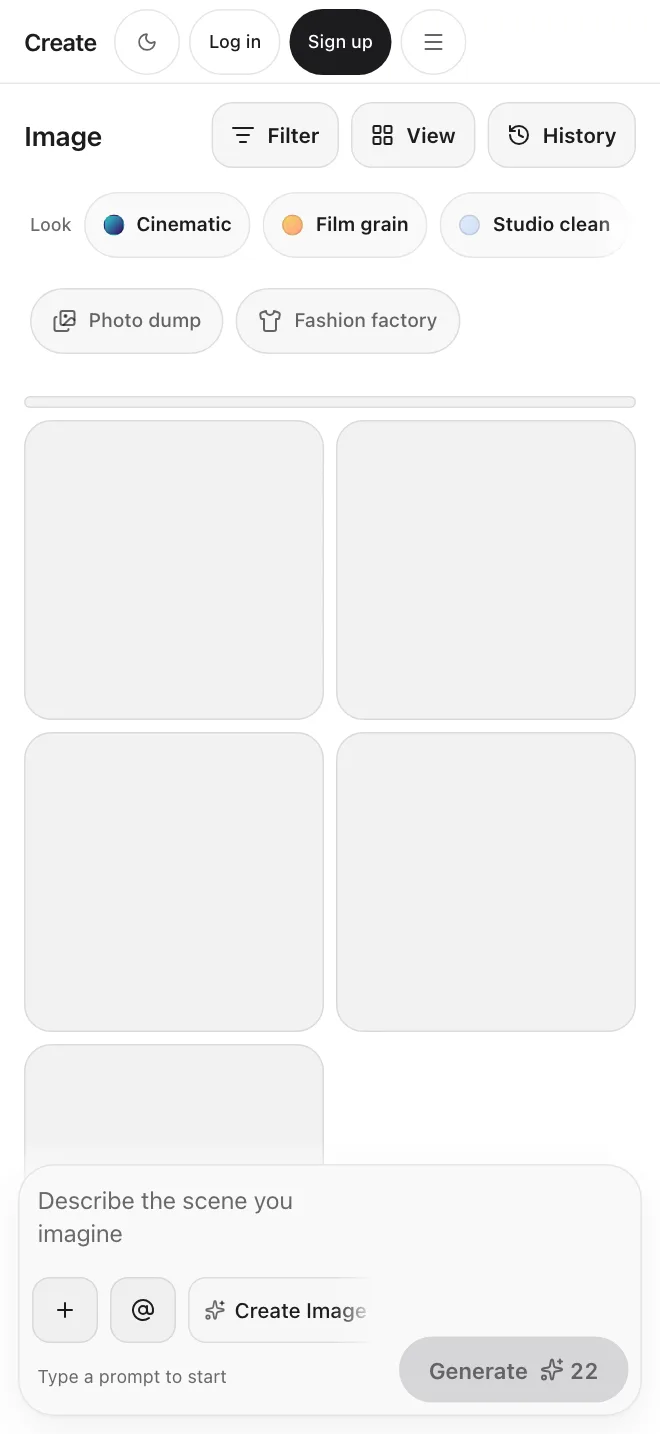
Concept render in Image, from text or a reference
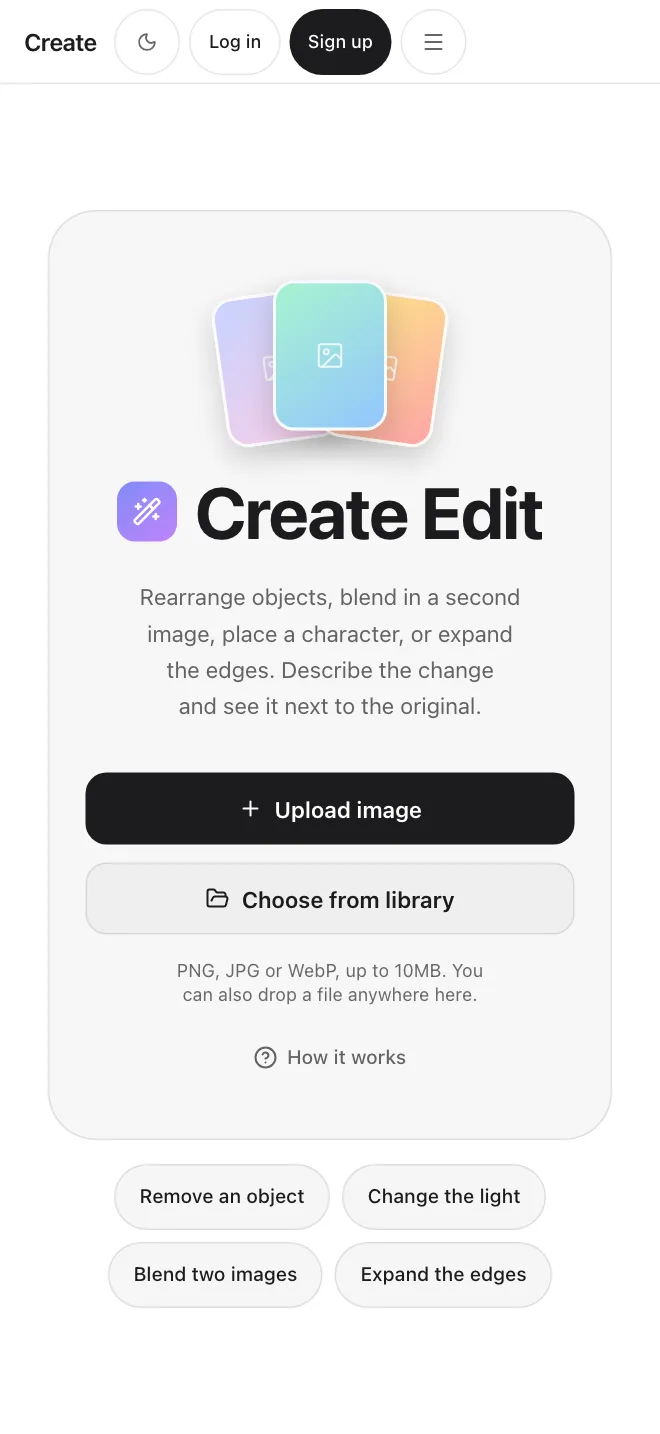
Refined direction in Edit, from a written instruction
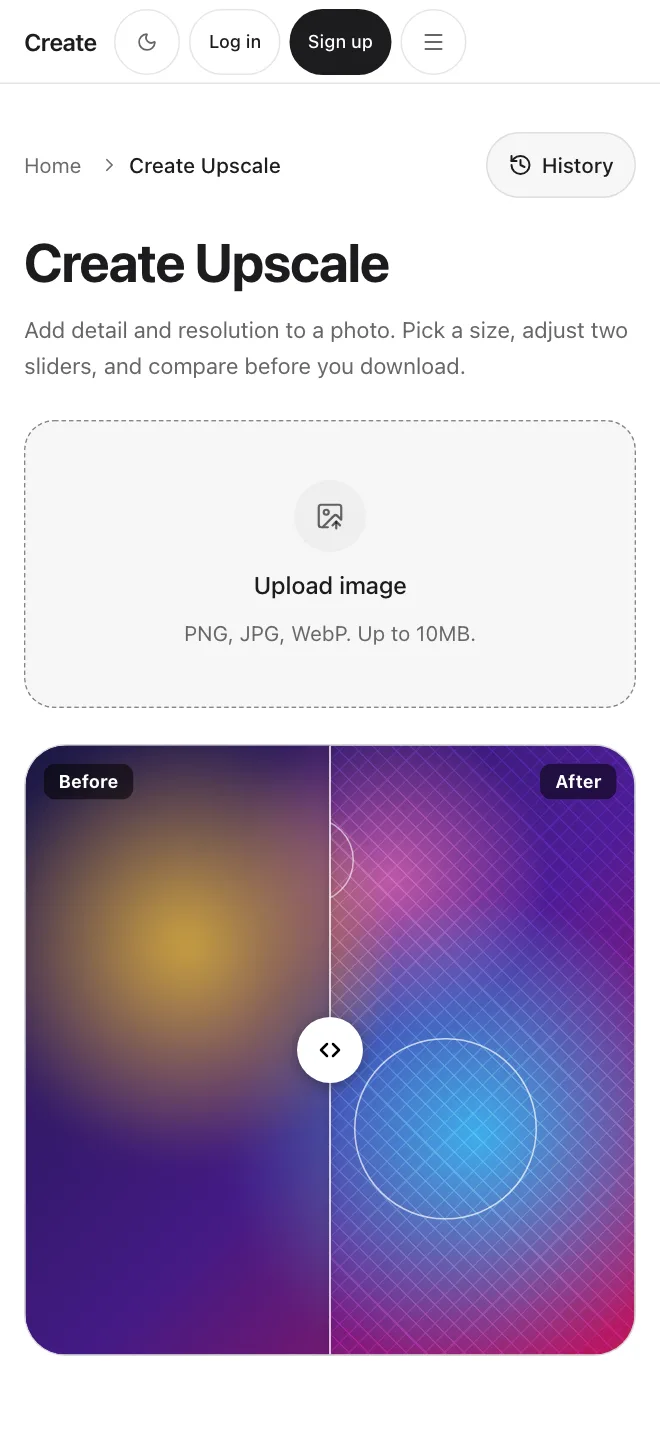
Larger final image in Upscale
Three tools, one account
Create has no architecture-specific tool. These general tools cover the work.
Image
Generate an image from text, or add one reference image such as a sketch or a site photo.
Edit
Change an image by writing an instruction. There is no brush or selection tool, so check each result.
Upscale
Make an image larger and sharper. It works on images only.
Ways to use it.
Early concepts
Turn a sketch or a screenshot of a massing model into a few visual options to talk through with your team.
Talking with clients
Show material, lighting, and season ideas as pictures before you spend time on a final render.
Design reviews
Take a working view, add it as a reference, and try different moods and contexts around it.
Moodboards
Generate images for a materials or atmosphere board and make the best ones larger with Upscale.
Start with your own sketch or render
Get startedPlans
FAQs
Related tools and pages
Start creating.