



Different scenes, same you.
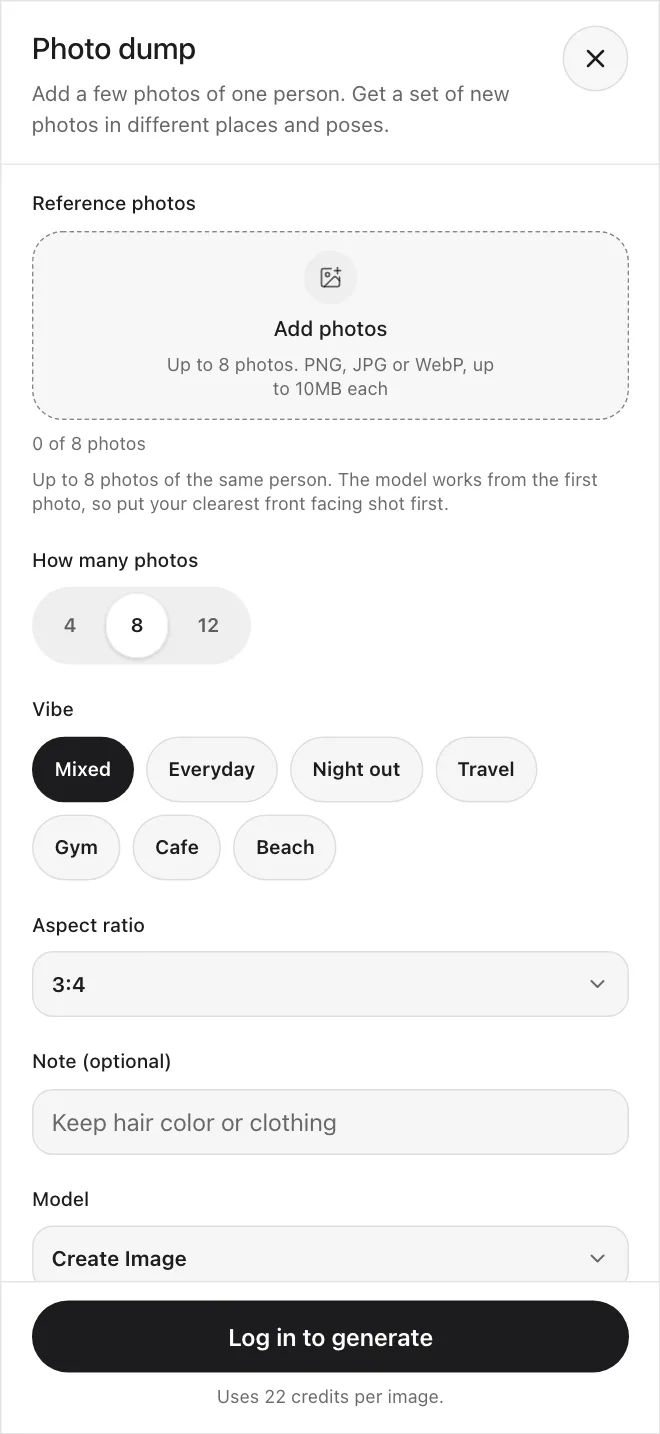
Add a few photos of one person. Pick a vibe. Get a set of new photos in different places and poses.
Four steps to a full set
- 1
Choose a vibe
Everyday, Night out, Travel, Gym, Cafe, Beach, or a mix of all six.
- 2
Add your photos
Up to 8 photos of one person. Put the clearest front facing shot first.
- 3
Check the settings
Pick 4, 8 or 12 photos and a shape. The credit price shows before you start.
- 4
Make the set
Photos appear one by one. Tap any tile that did not finish to try it again.
Pick a vibe
Each vibe is a list of twelve scenes. Choose one, or choose Mixed to spread a set across all of them.
Everyday
Night out
Travel
Gym
Cafe
Beach
Inside the app
Real screens from Create, and what you can do with a set once you have it.
Photo dump
Add photos, pick a vibe, choose how many.
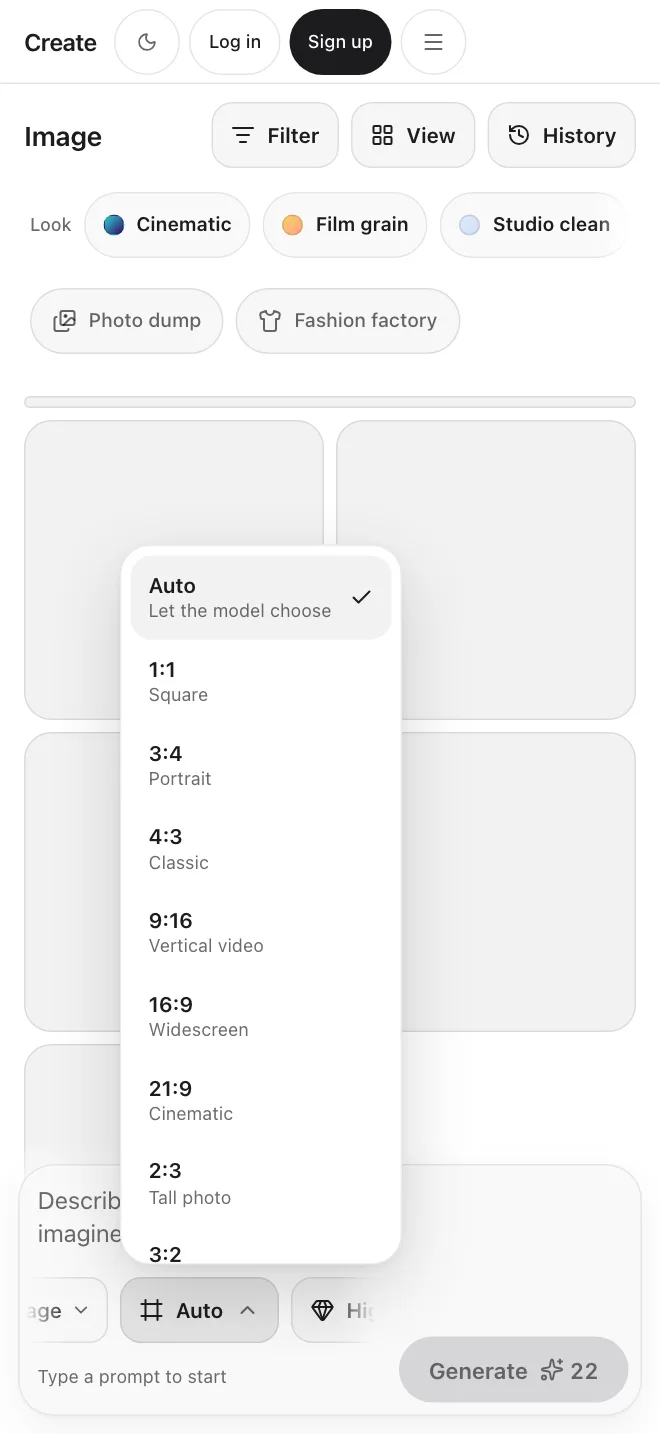
Shapes for every feed
Square, portrait, feed portrait or full screen.
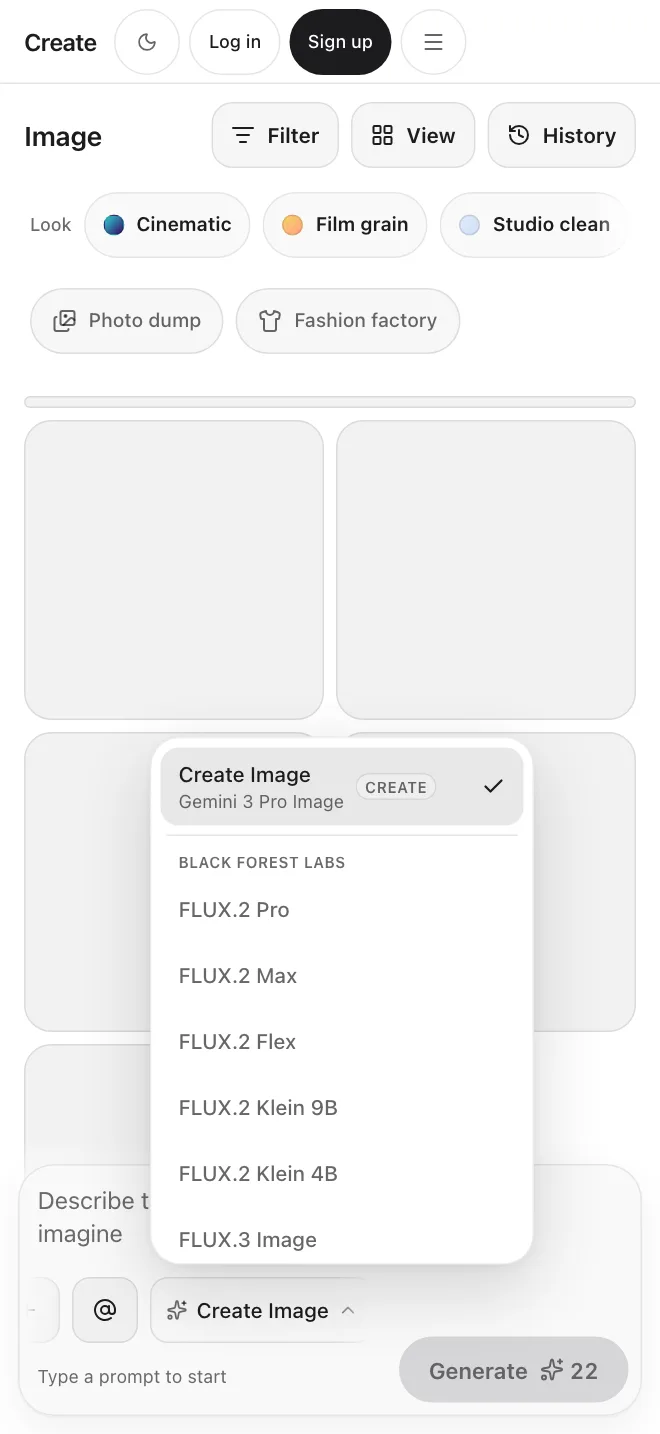
Choose a model
Each model shows what it costs per photo.
Start from an idea
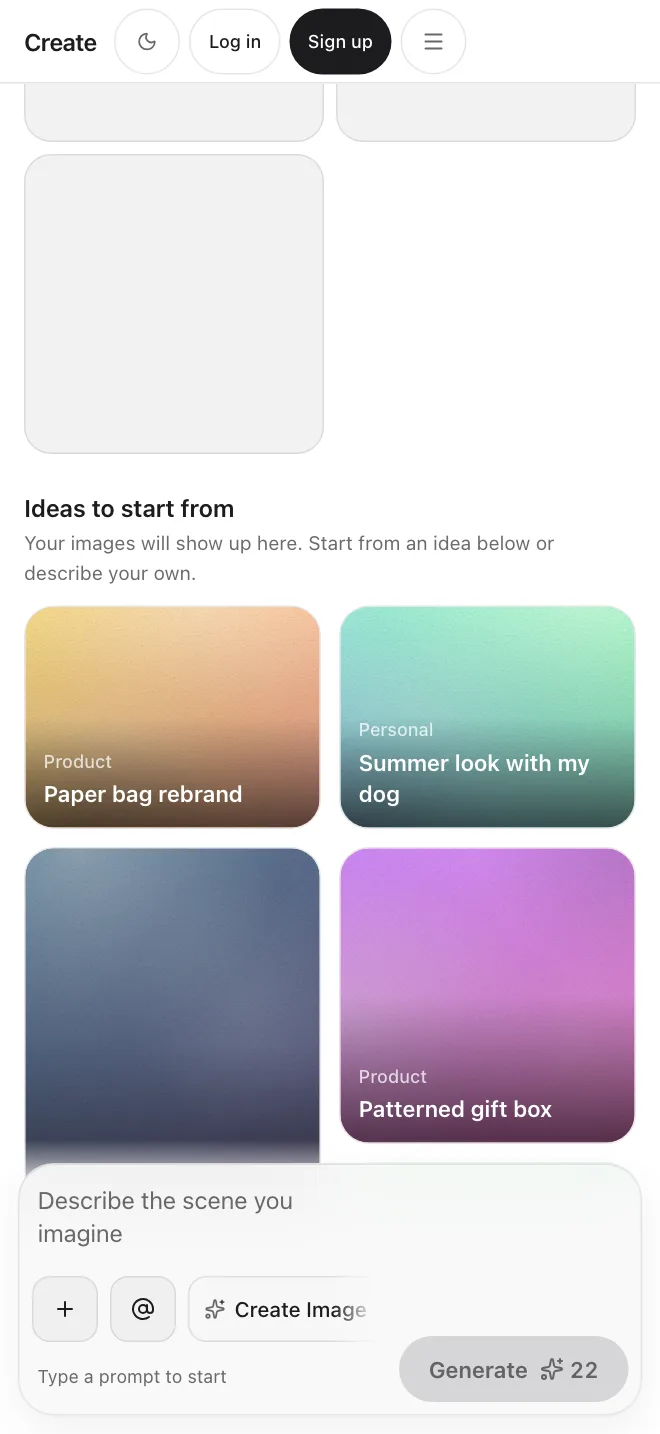
The Image tool has ideas and looks to start from.
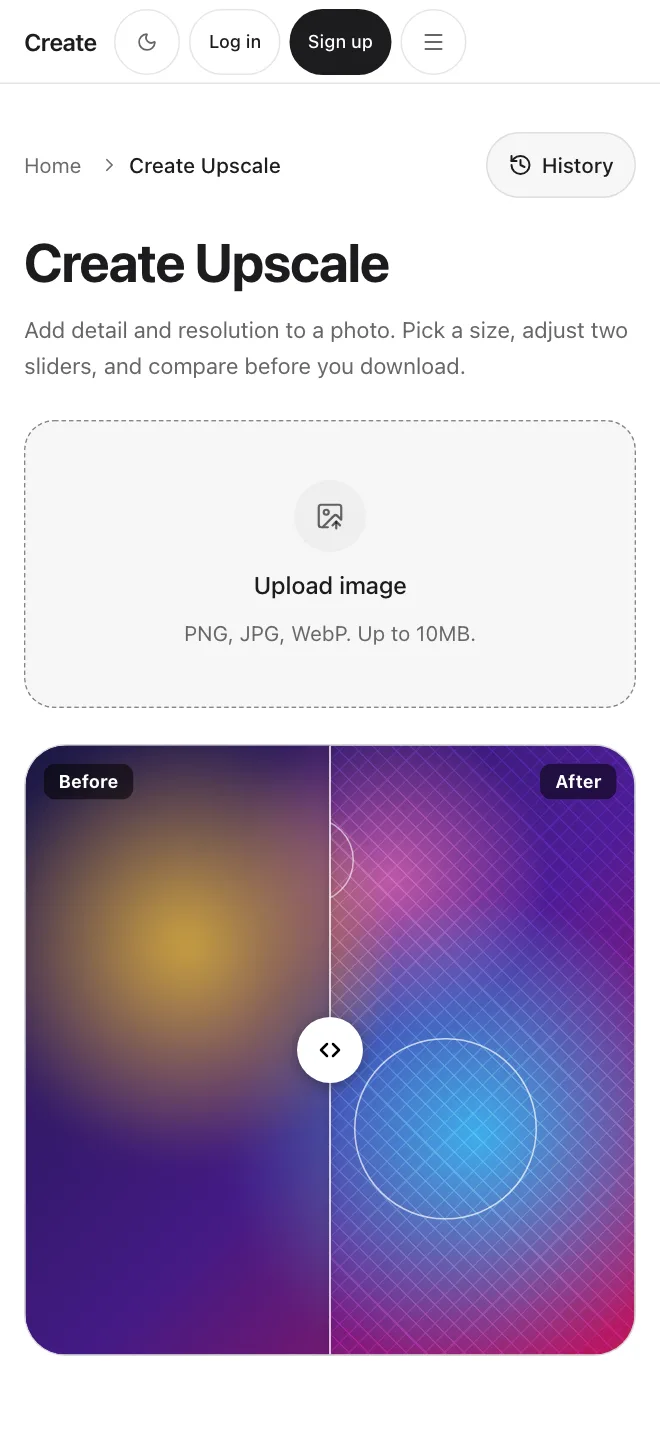
Upscale a shot
Sharpen one photo from the set before you post it.
- 4, 8 or 12 photos per set
- Up to 8 reference photos
- Price shown before you start
Frequently Asked Questions
Start creating.